Keep your QR tool. Upgrade the destination.
Keep minting campaign codes where you already work. Point them at a gotosignal profile, a scannable business presence with contact actions, embeds, and analytics that show which physical placement drove the scan.
Start for free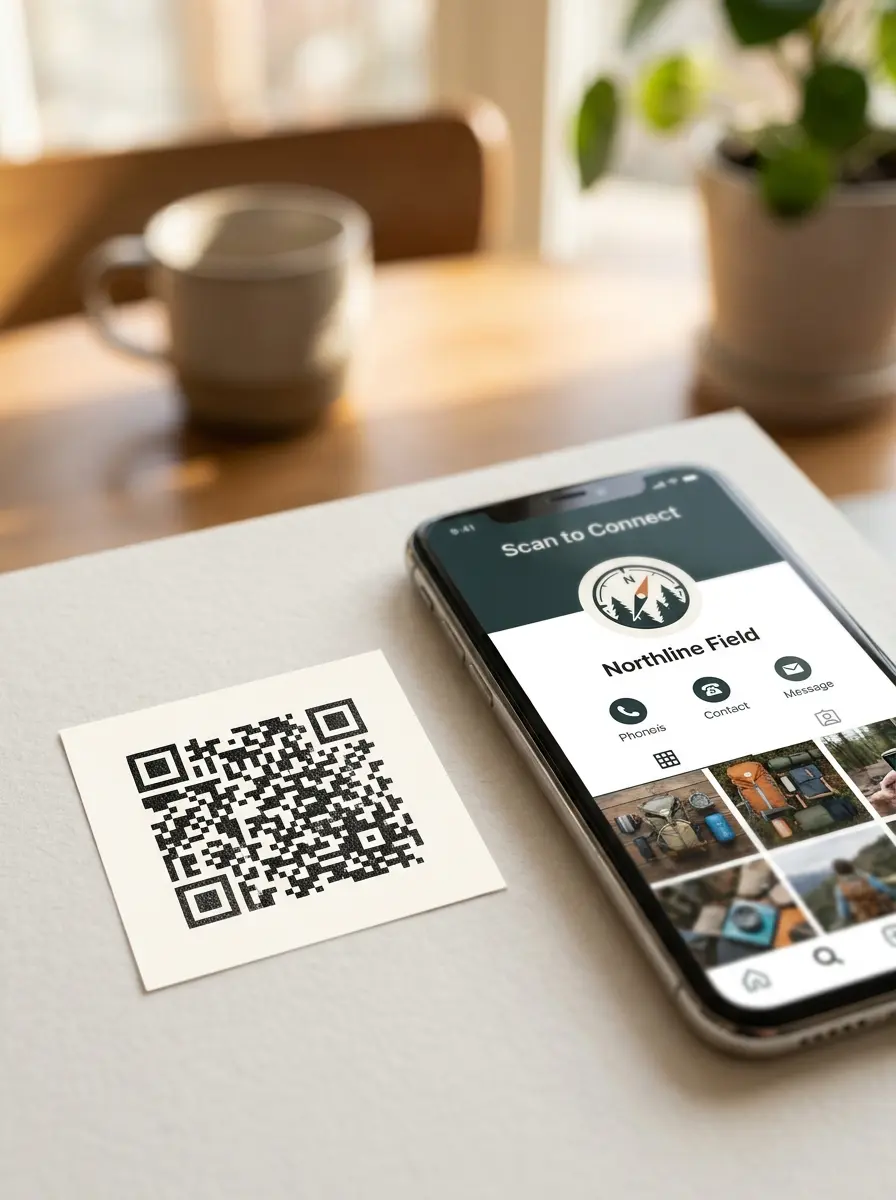
Your codes. Our page.
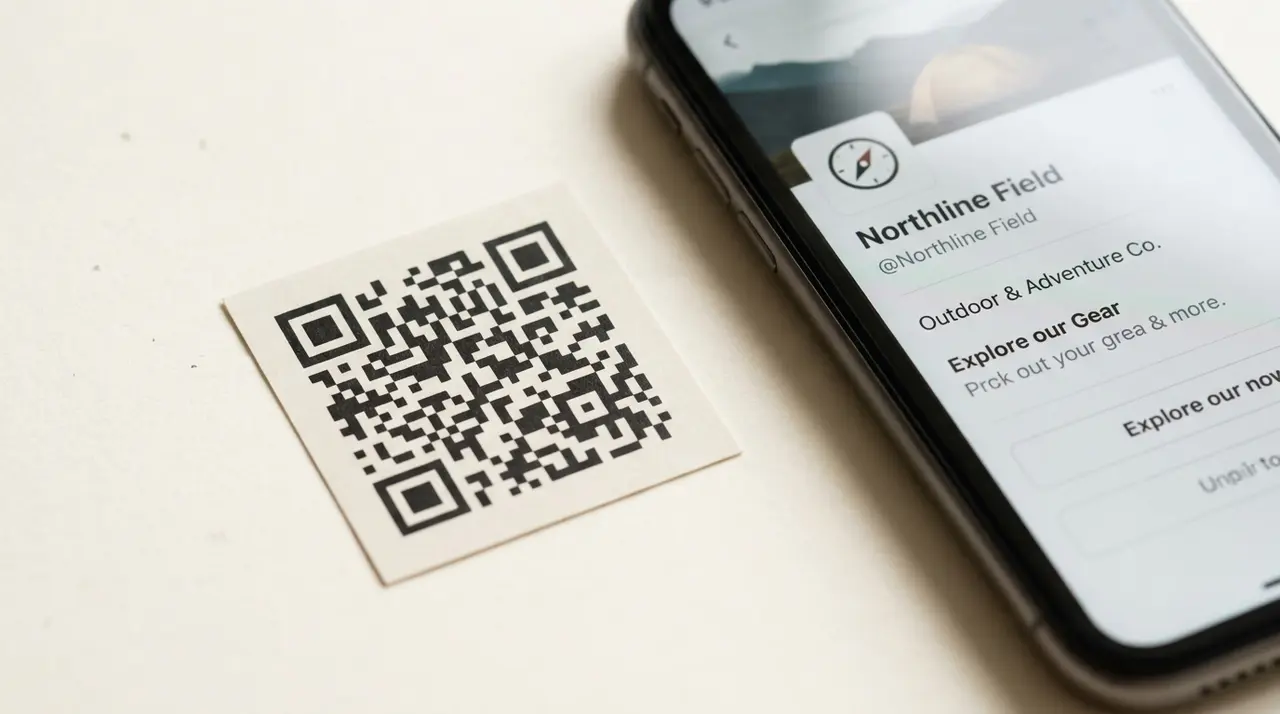
Dynamic QR platforms and shorteners are great at the pipe. gotosignal is what people should land on.
Codes stay where they are
Keep creating and routing codes in the QR platform you already bought. We are not asking you to rip out campaign tooling.
A destination worth the scan
Visitors open a living gotosignal profile, not a thin digital card or a list of links, so the scan earns trust.
Which surface worked
Tie destinations to placements so you can see whether the flyer, window, or truck drove the scan, not just that a code was hit.
Three steps
No rip-and-replace. Point, publish, compare.
- 01
Create a gotosignal profile
Build the page in minutes: sections, contact actions, embeds, hours.
- 02
Point your codes here
Set the destination URL of each campaign code to your gotosignal profile URL; add a tracking code if you also print our code.
- 03
Compare placements
In your QR tool, one campaign code per surface; if you print ours, a tracking code per surface.
Print once. Change the page forever.
When the offer changes, update the profile, not every sticker in the field. Your QR ops tool keeps measuring the pipe; we make the destination worth it.
Questions from QR teams
Do I need to replace my QR platform?
No. Keep your QR ops tool for minting and routing codes. Point those codes at a gotosignal profile so the destination is a rich business presence, not a thin card or link list.
What is a “QR destination”?
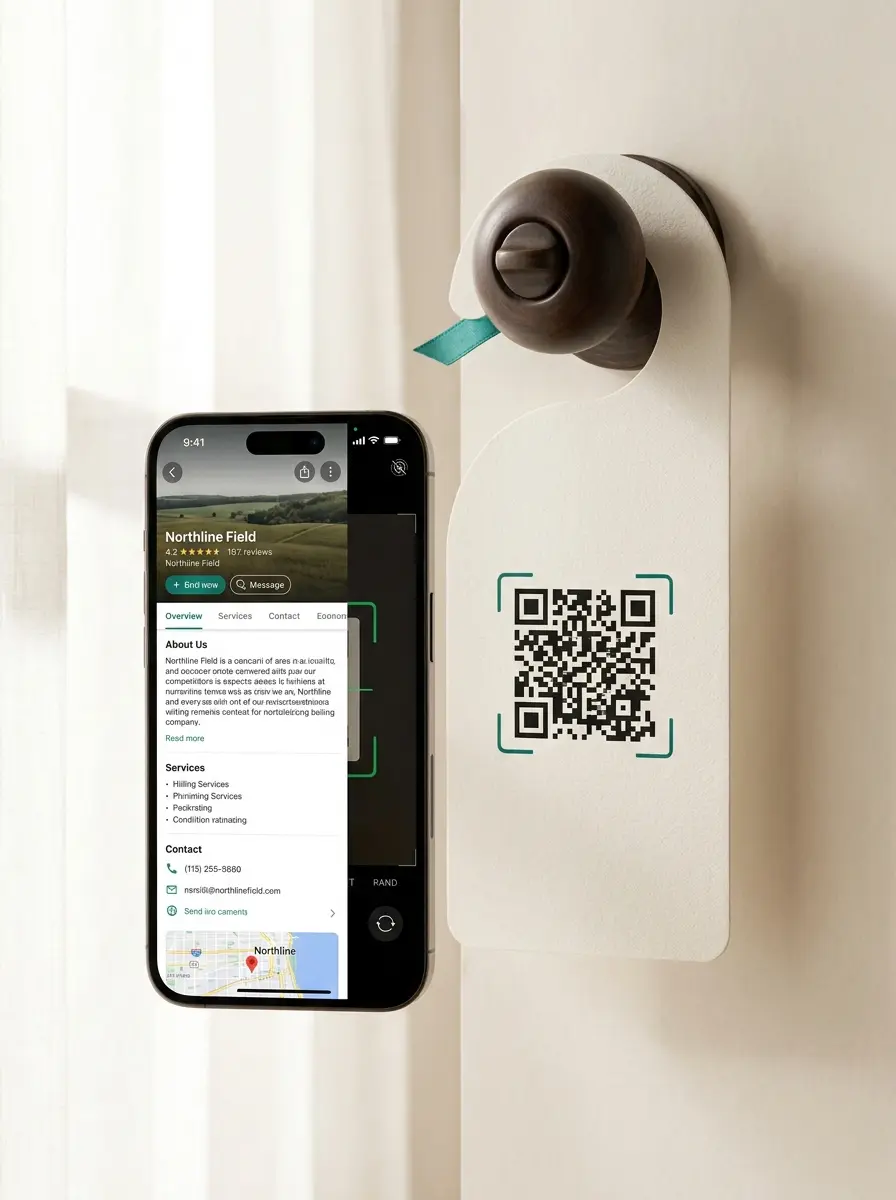
The page that opens after the scan. gotosignal is that page: contact actions, embeds, products, hours, and scan analytics (including by tracking code) on one living profile.
How do I know which flyer or surface worked?
Point campaign codes at the same profile, or print our card QR with a tracking code per surface, then read which surface drove scans.
Can I send leads into Zapier, my CRM, or other tools?
Today you can deep-link out from your profile. Coming soon: a signed webhook so interaction events POST to any HTTPS URL you control that can accept a webhook, your automation hub, spreadsheet, CRM intake, chat ops, custom API, serverless function, or anything else that already speaks webhooks. Examples people often connect: Zapier, Make, n8n, Google Sheets, HubSpot forms intake, those are examples, not a limit. One adapter, your ecosystem. Until it ships, contact us for early-access notes.
Still need a hand?
Help centerPoint your next campaign here
Start a trial, build the destination, keep your QR stack.
Start for freeComing Soon Coming soon: push interaction events to any HTTPS endpoint you control that accepts a webhook: automation hubs, spreadsheets, CRM intake, custom APIs, and more.