Put a smart page on your packaging.
Print once, update forever. An on-page gallery rail, an optional Priced amount, and one buy link stay live after the QR is on the box.
A gotosignal product page is a mobile-ready profile with Featured sections, engagement actions, multi-profile lines, and a tracked packaging QR with per-batch tracking codes.
No credit card required. Subscribe when you publish. 30-day trial after go-live.
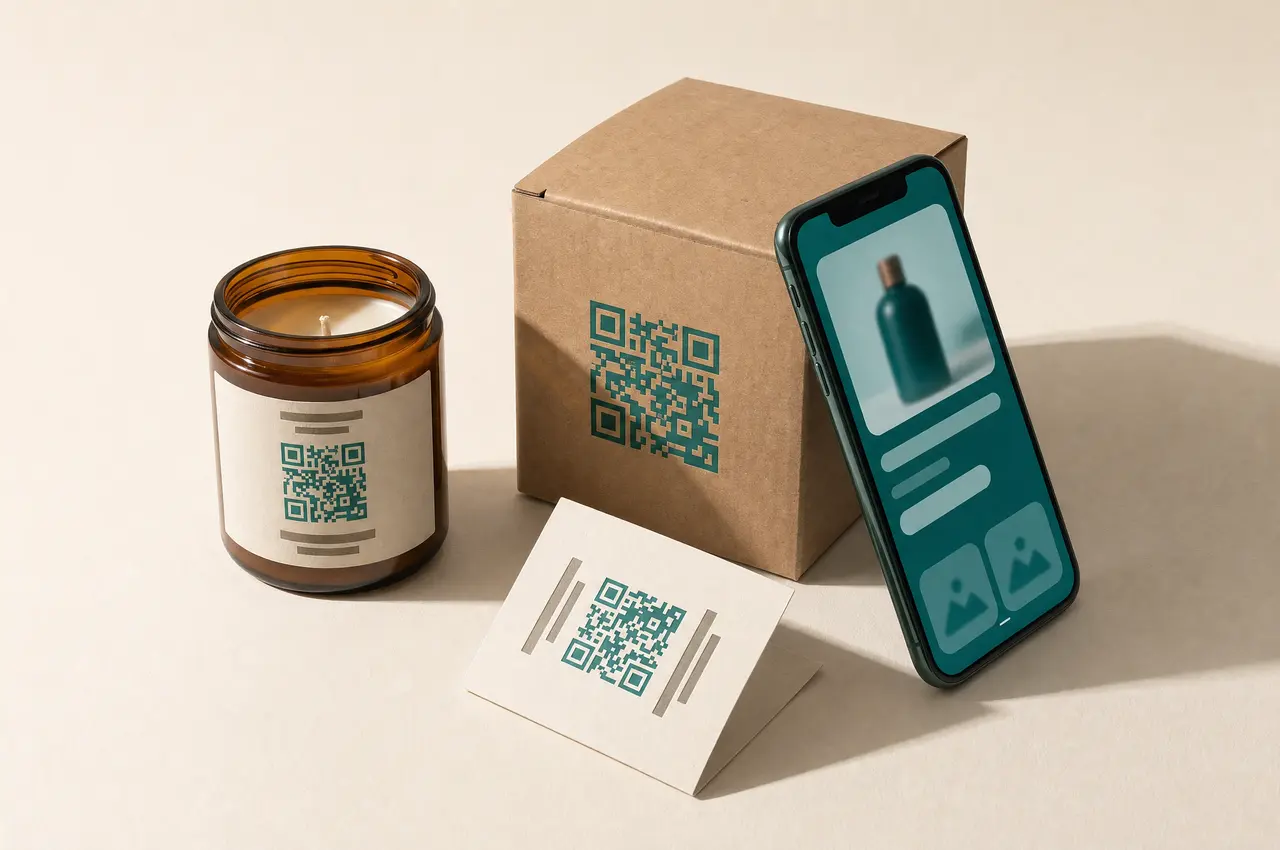
What you can put on a product page
- 01
Detailed product features and one buy link
Products list blocks with a description, an on-page gallery rail, an optional Priced amount, and one link to any checkout your customers already use.
- 02
Manuals, specs, and social embeds
Attach PDF manuals or embed storefronts, demos, and social proof in the on-page gallery rail behind the packaging QR.
- 03
Custom section titles
Call a Featured block Manuals, Specs, Shop, or anything that matches the pack. Titles are yours, not locked labels.
- 04
Batch and campaign QR
Tracking codes create QR variants with separate scan counts so you can compare batches, regions, or print runs.
- 05
Partner tags and multi-profile
Run separate profiles for lines or partners, each with its own URL, theme, and QR, without rebuilding from scratch.
- 06
Scan analytics by batch and placement
Customize QR appearance for print, then watch scans by tracking code, device, and time in the dashboard.
What you can do on the page
- Profile type
Choose Product so Features chips appear and Hours and Credentials stay off.
- Header
Set the pack shot as cover or profile photo, crop shapes for shelf photography, and keep branding consistent with the physical packaging.
- Trust · At a glance
At a glance can hold owner-stated product signals. Not platform-verified.
- Primary Contact
Primary contact carries brand identity and optional address, useful when LocalBusiness-style discovery matters for a product line or showroom. Primary buttons cover call, SMS, email, maps, and other presets so buyers reach support or reorder without digging through the pack.
- About
About is the product story for search meta and the page body.
- Capability chips
On Product the chip section is titled Features.
- Secondary Contact
Secondary contact adds more save-to-phone and link actions below the primary row.
- Theme
Themes, palettes, fonts, and share image keep the page on-brand with the packaging colorway when someone opens the link or QR.
- Engagement Actions
Engagement actions include 100+ presets plus custom-named CTAs: Shopify, Etsy, Amazon, or your own checkout label on the pack page.
- Featured
Featured is the pack story (on-page gallery rail for manuals, specs, lifestyle media). Shop items with an optional Priced amount and one link live on the Products list, not inside Featured.
- Testimonials
Rename Testimonials to Reviews, The proof, or a custom heading; mark sources as person, business, organization, or a custom type with your own type label.
- Section order & nav
Section order & nav lets you drag Featured above contact, enable jump menus, and set custom menu labels that match pack section titles.
- Website tracking
Analytics snippets and consent-aware embeds help campaign pages measure beyond QR scans when you add allow-listed trackers.
- Card QR
The card QR covers packaging: tracking codes per batch, print appearance, optional redirect rules.
- Save
Save runs the publish checklist and deploy; multi-profile lifecycle keeps each product line active, draft, or retired independently.
Call it Reviews, The proof, or your own title.
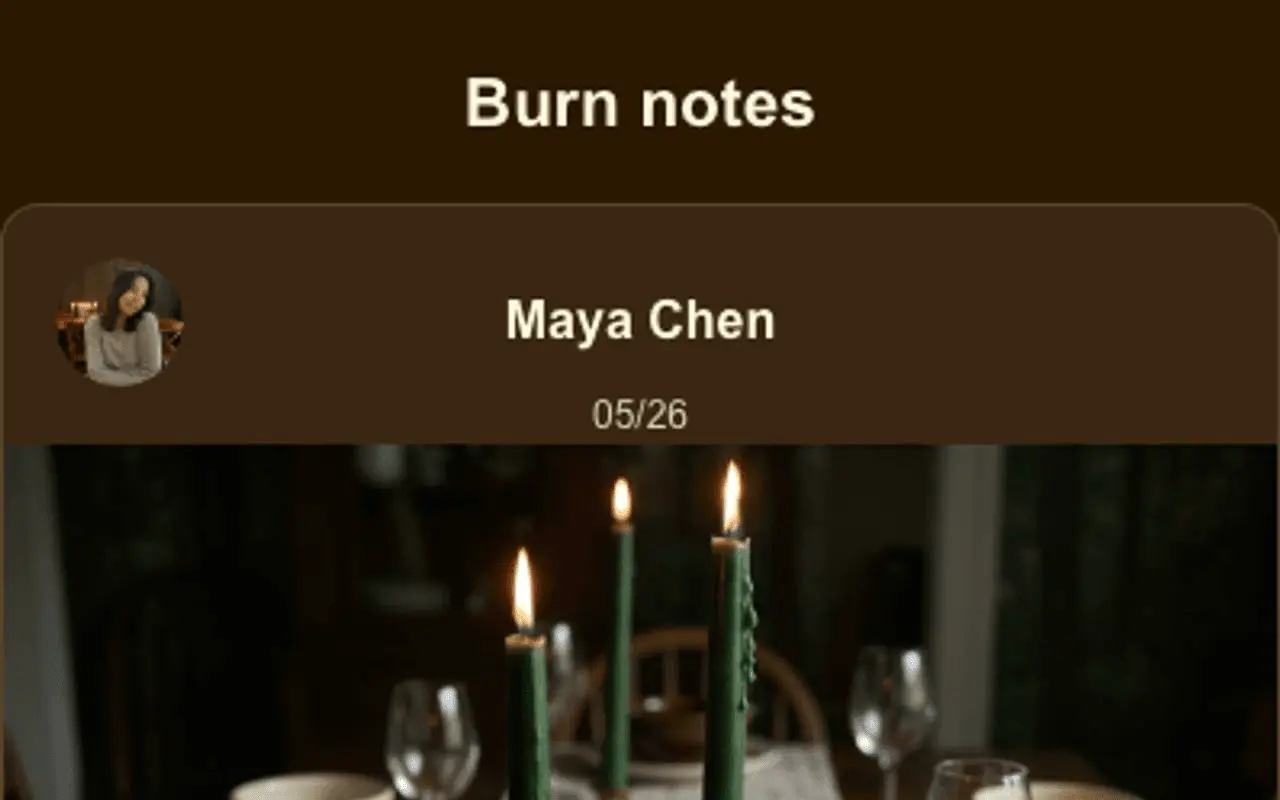
Testimonials is not a fixed label. Pick a section-title preset (Reviews, Success stories, The proof, Wall of love, and dozens more) or type a custom heading. Each entry can be a person, business, organization, or custom type with your own type label, plus optional ratings, carousel, media, and before/after labels for unboxing or field proof.
The QR on the sleeve always opens the current manual, we stopped reprinting when the SKU changed.
Embed what shoppers already trust.
Allow-listed embeds drop into Featured (or anywhere you place an embed block): storefronts, manuals, demos, and reviews without custom code.
Shopify
Buy buttons and collection embeds so the box QR opens the live catalog.
YouTube / Vimeo
Unboxing, setup, and how-to videos beside the SKU.
Spotify / Apple Podcasts
Brand podcasts or launch playlists on the pack page.
Typeform / Tally
Warranty registration, size quizzes, and feedback forms.
Google Docs / PDFs
Manuals and spec sheets that stay current after print.
Amazon / Etsy
Marketplace storefront embeds when you sell elsewhere.
Loom / Wistia
Private demos and support walkthroughs for B2B kits.
Google Maps
Showroom or pickup locations next to reorder CTAs.
Outcomes
- Featured blocks named for the SKU or line
- PDF manuals behind the same pack QR
- One buy link to any checkout you already use
- Per-batch tracking codes on print runs
- Separate profiles for partners or variants
- Scan analytics by placement and campaign
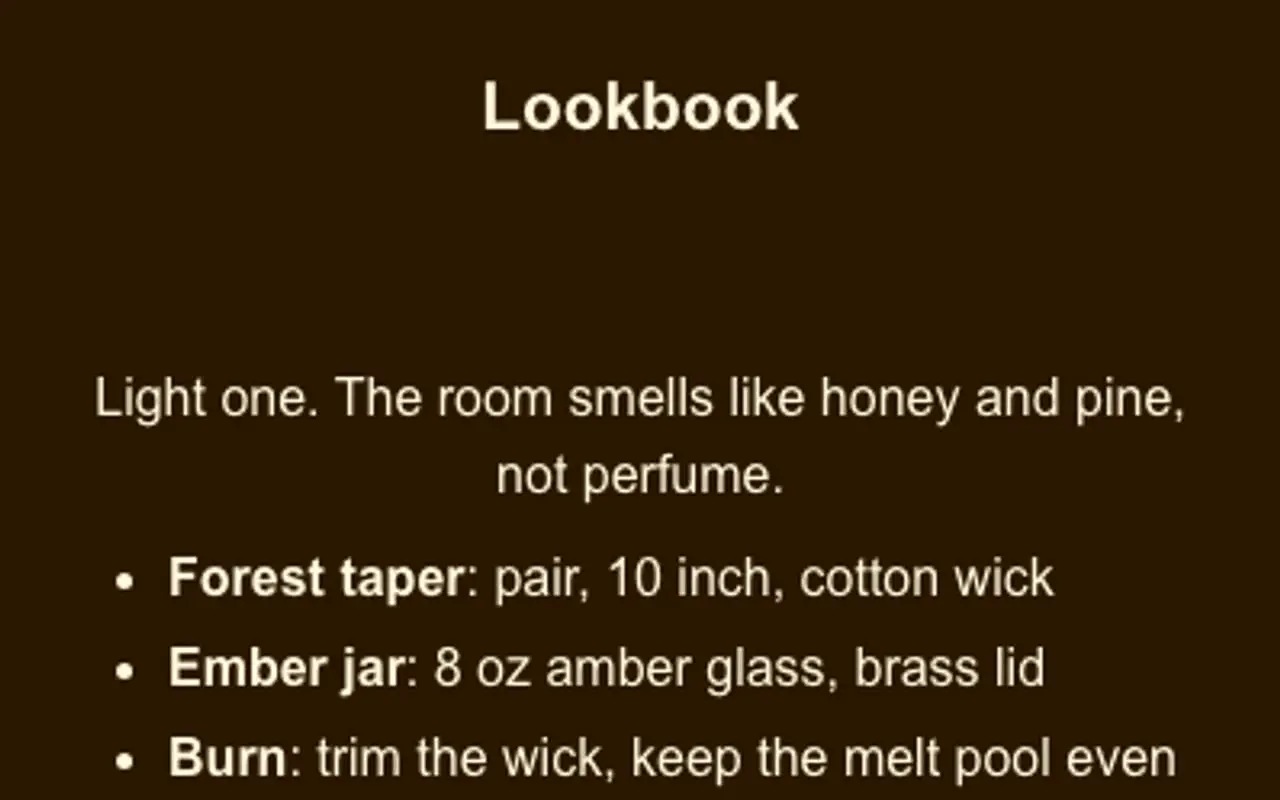
Header, At a glance, chips, Featured, and Testimonials: from a live profile.
These frames are captures of real ProfilePreview sections, not drawn mockups. Open the live example to scroll the full page.
How a scan becomes a sale
- 01
Design the page, add product blocks, manuals, and a reorder link.
- 02
Customize and download the QR, brand it, add a tracking code per batch, export SVG or PNG.
- 03
Print it on the packaging, the QR never changes, even when you edit the page.
- 04
Measure, watch scans and compare batches in the dashboard.
Product & packaging questions
Can I put a QR code on my product packaging?
Yes. Create a product profile, customize its QR, and download a print-ready image (SVG or PNG) for boxes, labels, or inserts. Scans open your page instantly.
Can I sell directly from the page?
Yes. Product blocks show a description, an on-page gallery rail, an optional Priced amount, and one link to any checkout: Stripe, PayPal, Shopify, Square, or any URL.
Can I tell which batch or campaign a scan came from?
Yes. Tracking codes create QR variants with separate scan counts, so you can compare batches, regions, or print runs in the analytics dashboard.
Can I rename Featured sections on a product page?
Yes. Featured sections use custom titles you choose: Manuals, Specs, Shop, Ingredients, or any label that matches the packaging, so the page reads like your product line, not a generic template.
Can I run separate pages for different products or lines?
Yes. Multi-profile lets each SKU, line, or partner keep its own URL, theme, QR, and analytics while you manage them from the same account.
Why not just print a static QR or digital card on packaging?
A static QR or card-app contact dump cannot show which batch or placement drove the scan, and it forces reprints when the offer changes. A gotosignal scannable profile stays live behind one packaging QR, update the page, not every box.
Make your packaging scannable.
No credit card required. Subscribe when you publish. 30-day trial after go-live.