Hours, programs, and a way to join. On one scannable page.
Clubs, nonprofits, and neighborhood groups get one profile with hours, programs, credentials, and join or volunteer links.
A gotosignal organization profile is a mobile-ready page with weekly hours, featured programs, credentials, join and donate actions, and a tracked QR for notice boards and handouts.
No credit card required. Subscribe when you publish. 30-day trial after go-live.
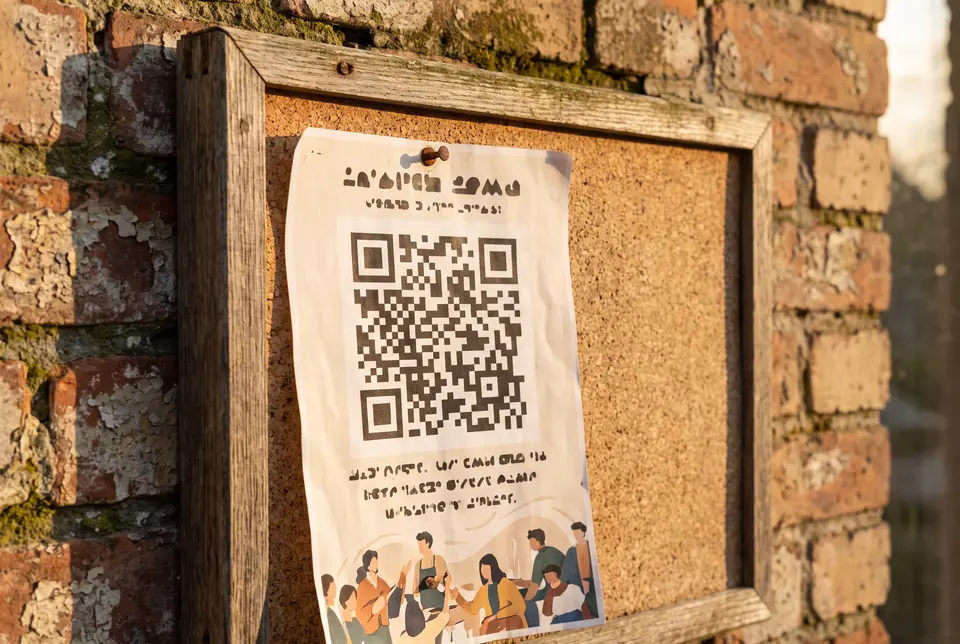
What you can put on an organization profile
- 01
Weekly hours and meeting times
Publish office hours, meeting schedules, and holiday closures visitors can trust from a notice-board scan.
- 02
Featured programs and focus areas
Featured sections with custom titles hold program descriptions, photos, PDFs, and embeds for each initiative you run.
- 03
Credentials and trust signals
Show nonprofit status, affiliations, and proof visitors expect before they volunteer or donate.
- 04
Join, donate, and volunteer links
Engagement actions and primary buttons cover membership forms, donation checkout, and volunteer signup.
- 05
Notice board and handout QR
Print one tracked QR on the community board, newsletter, and event handout. Update programs after it is printed.
- 06
Scan analytics by placement
Tracking codes compare board, flyer, and event scans so you know which outreach drove signups.
What you can do on the page
- Profile type
Eastbrook uses Organization so Hours, Credentials, and Focus areas chips appear.
- Header
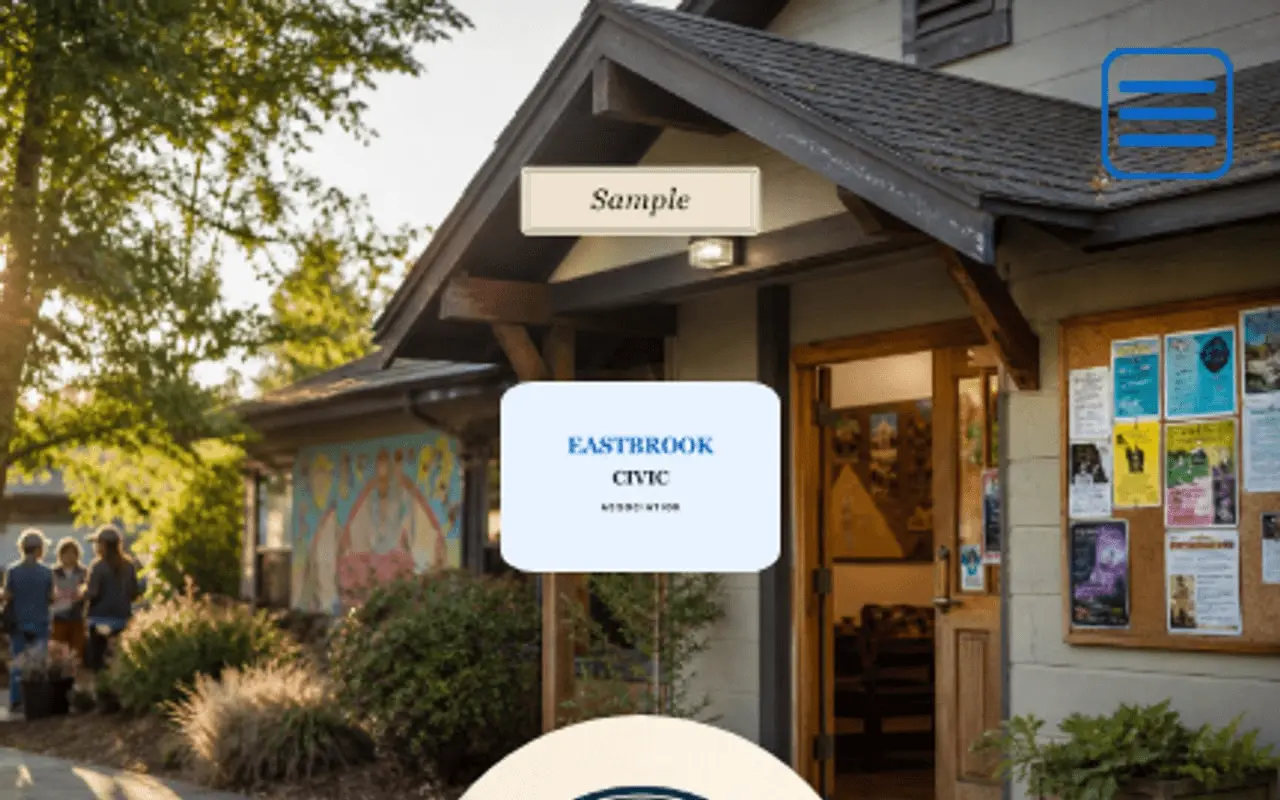
Logo, cover, and community photography set the tone when someone scans from a notice board or newsletter.
- Trust · At a glance
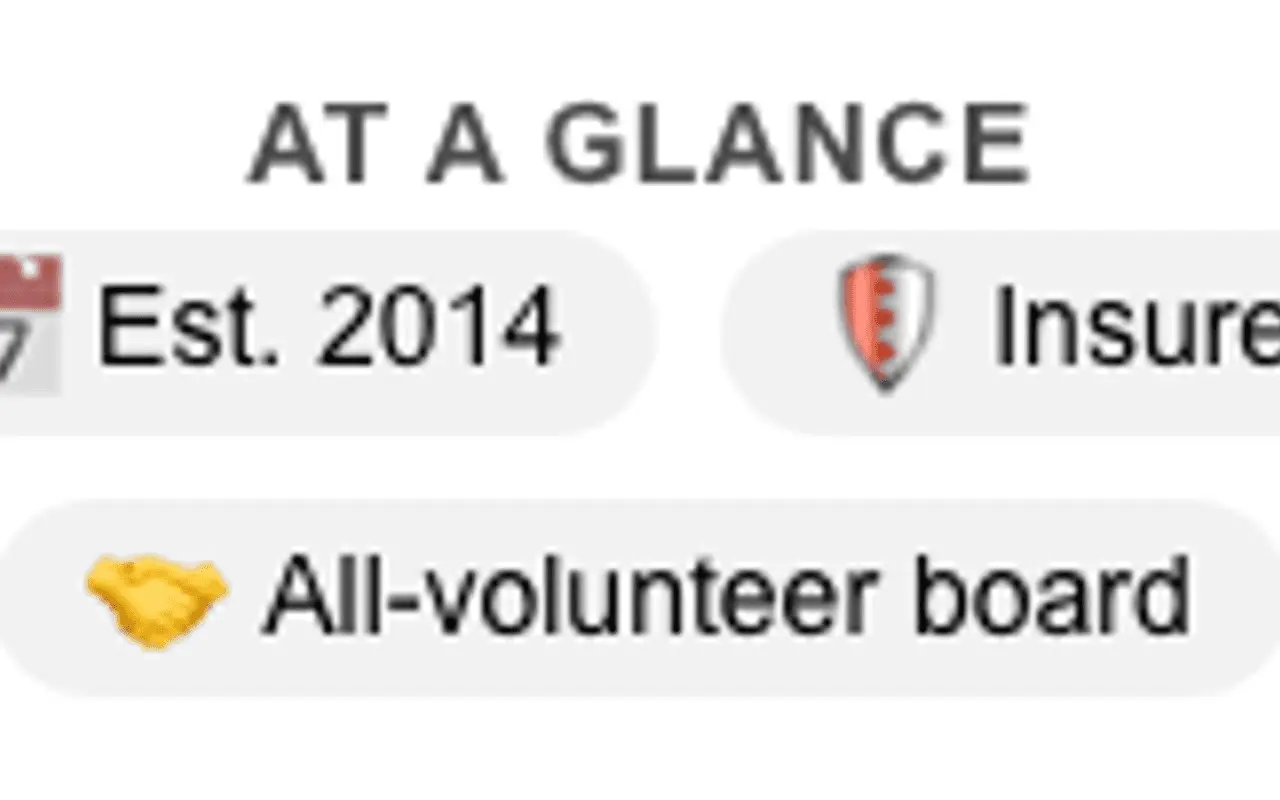
At a glance holds meeting-time, volunteer, and custom civic signals. Author-stated.
- Primary Contact
Primary contact carries the organization name and meeting location for LocalBusiness-style discovery. Primary buttons surface call, maps, join, and donate shortcuts before visitors scroll programs.
- About
About is the organization story and meta description.
- Capability chips
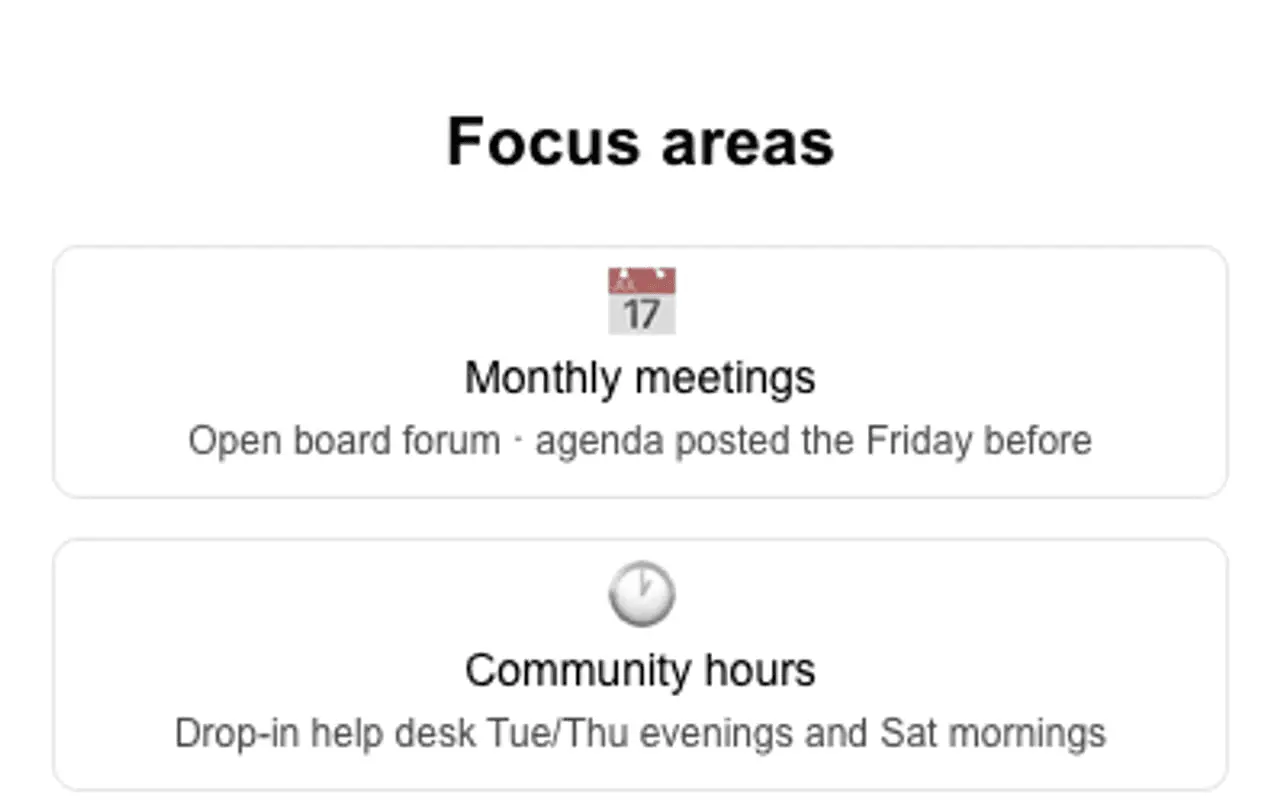
On Organization the chip section is titled Focus areas.
- Credentials
Licenses, affiliations, and certifications with issuer, jurisdiction, dates, and a verify link. On the Eastbrook Organization sample.
- Secondary Contact
Secondary contact adds more save-to-phone and link actions below the primary row.
- Theme
Themes, palettes, and fonts keep civic and nonprofit branding consistent on phones and share previews.
- Engagement Actions
Engagement actions add volunteer forms, donation links, and custom-named CTAs for membership drives.
- Featured
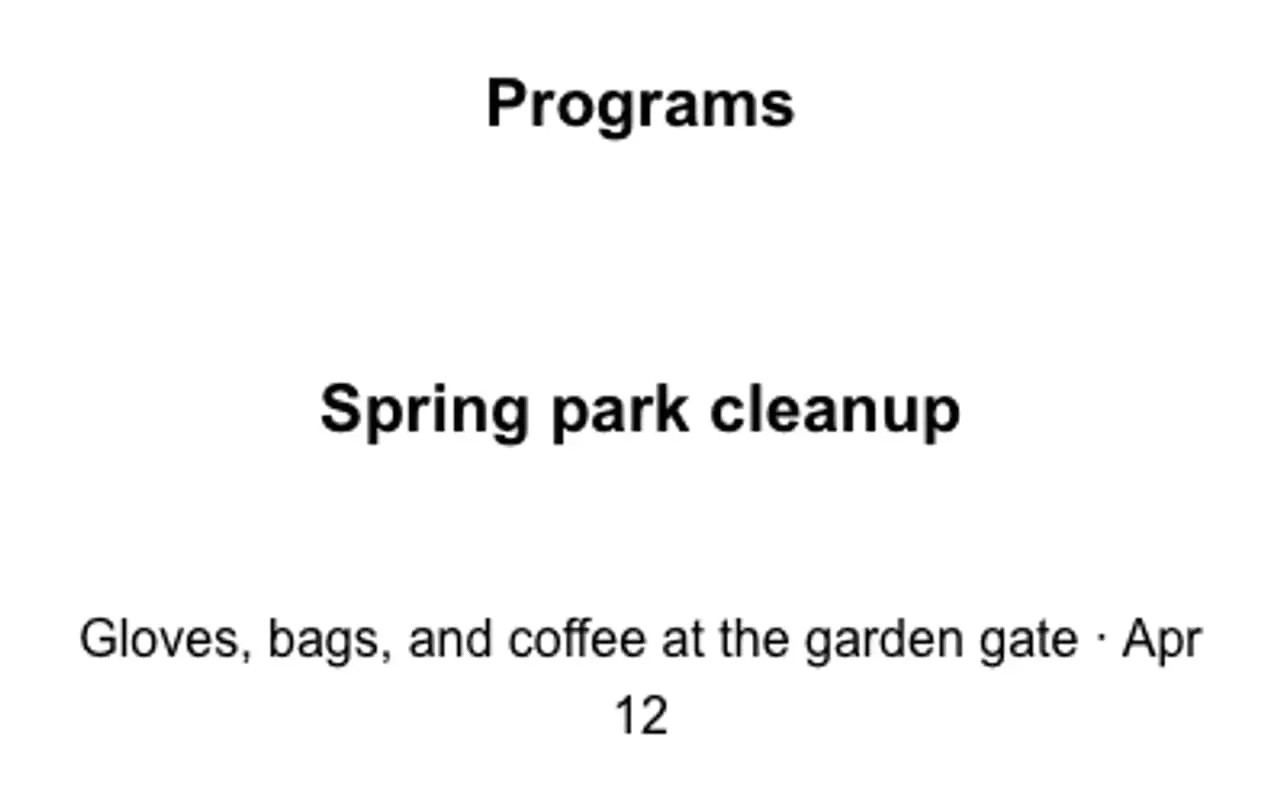
Featured sections with custom titles (Programs, Events, Resources) hold an on-page gallery rail for media, embeds, and PDFs, plus one optional link.
- Testimonials
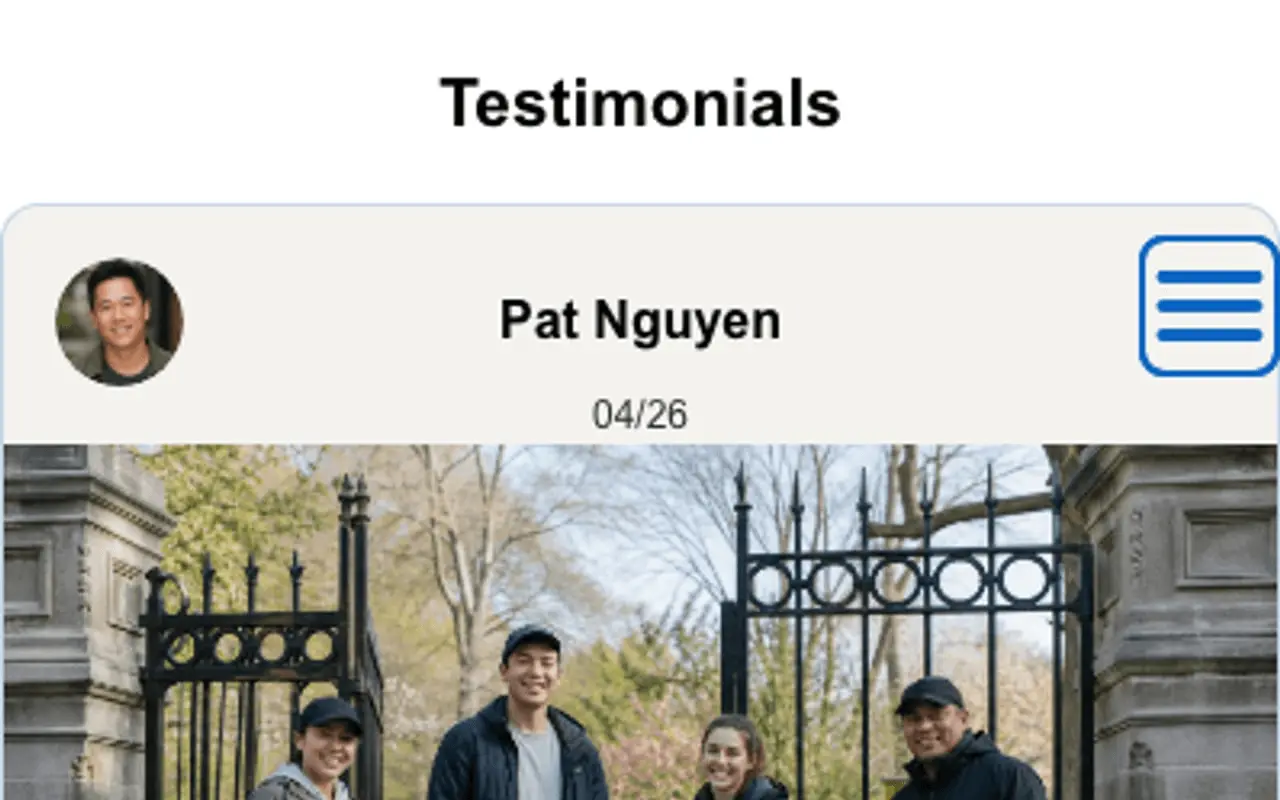
Rename Testimonials to Community voices or Member stories; use person or organization sources with optional ratings and media.
- Hours
Hours powers weekly schedules, meeting times, holiday closures, and optional custom section names.
- Section order & nav
Section order and nav can put Programs first, with jump menus and custom labels that match your Featured titles.
- Website tracking
Analytics snippets stay consent-aware on campaign pages for drives and fundraisers.
- Card QR
One card QR with tracking codes for notice board, newsletter, and handout prints.
- Save
Save publishes program and hours updates behind the same printed QR without reprinting the board sign.
Call it Community voices, or your own title.
Section titles are editable: pick Community voices, Member stories, or type a custom heading. Each quote can be a person, business, organization, or custom type with your own type label, plus optional ratings, carousel, and media.
The notice-board QR always opens our current meeting schedule and volunteer form.
Embed forms, calendars, and program media.
Membership forms, event calendars, maps, and donation widgets from allow-listed services on one civic page.
Typeform / Tally
Membership and volunteer signup forms visitors finish on their phone.
Google Calendar
Public meeting and event calendars beside hours.
Google Maps
Meeting hall, park, or community center directions.
YouTube / Vimeo
Program recaps and welcome videos for new members.
Typeform / Tally
Volunteer intake and interest surveys.
Google Docs / PDFs
Bylaws, agendas, and program guides that stay current.
Donation widgets
Allow-listed donate and fundraiser embeds.
Eventbrite
Ticketed fundraisers and community events on the same profile.
Outcomes
- Hours and meeting times visitors trust
- Featured programs under your titles
- Join and volunteer actions on one page
- Credentials and proof for donors
- QR on the notice board and handout
- Scan counts by outreach placement
Header, At a glance, chips, Featured, and Testimonials: from a live profile.
These frames are captures of real ProfilePreview sections, not drawn mockups. Open the live example to scroll the full page.
From notice board to new member
- 01
Build the page. Add hours, featured programs, credentials, and join or volunteer links.
- 02
Print the QR on the notice board, newsletter, and event handout, each with its own tracking code.
- 03
Grow membership. Visitors see programs, donate, volunteer, or save your contact in one tap.
Organization profile questions
Can we show meeting hours and program schedules?
Yes. Weekly hours, meeting times, and holiday closures publish on the profile so notice-board scans show what is happening this week.
Can visitors volunteer or join from the page?
Yes. Embed volunteer forms, membership signup, and donation checkout links from the tools you already use.
Can we show nonprofit status and affiliations?
Yes. Credentials hold nonprofit status and affiliations. Featured sections hold program photos and PDFs. Testimonials can carry donor or volunteer quotes.
Can we rename Featured sections to match our programs?
Yes. Featured titles are yours: Programs, Initiatives, Resources, or any label that matches how your group organizes work.
Can we run separate pages for chapters or initiatives?
Yes. Multi-profile lets each chapter or program line keep its own URL, theme, QR, and analytics from one account.
Why not only a social page or group chat?
Social feeds scroll away and rarely show hours, programs, and join links in one place. gotosignal gives neighbors one scannable profile with tracked QR on the board and handout.
Give every board a scannable page.
No credit card required. Subscribe when you publish. 30-day trial after go-live.