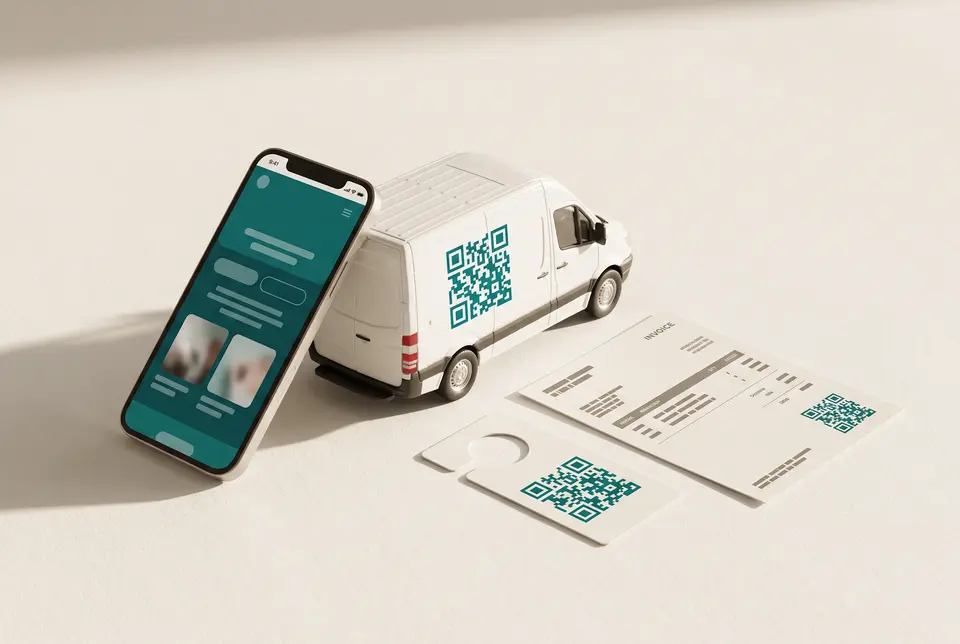
The van carries the QR. The page carries the proof.
Plumbers, electricians, and cleaners get one profile with tap-to-call, an on-page gallery rail for job photos, optional Priced amounts, one link, testimonials, and a booking embed. Licenses and live hours are on the Rivera Business sample; Service-only typing hides those panels.
A gotosignal trades page is a mobile-ready profile with primary call actions, proof photos, and a tracked van QR with tracking codes for invoice and door hanger. Credentials appear on Person or Business. Hours appear on Business (Rivera). Service-only typing hides both panels.
No credit card required. Subscribe when you publish. 30-day trial after go-live.
What you can put on a trades page
- 01
One-tap call, message, and save
Primary buttons put call, SMS, email, and save-to-phone at the top of the profile when someone scans the van or invoice.
- 02
Featured work and proof
Featured sections with custom titles hold before-and-after photos, job galleries, PDFs, and embeds of finished work.
- 03
Credentials and testimonials
Rename Testimonials to The proof or Reviews. Show ratings and client quotes with optional media. List licenses and insurance in Credentials when the type is Person or Business.
- 04
Quote and booking embeds
Embed the quote or booking form you already use so requests land without phone tag.
- 05
Hours and appointment-only modes
On Business (the Rivera sample) publish weekly hours or appointment-only schedules. Service-only typing has no Hours panel; use a booking embed and At a glance appointment-only instead.
- 06
QR on van, invoice, and door hanger
One card QR with tracking codes per print so you see which surface earned the scan.
What you can do on the page
- Profile type
Rivera uses Business so Hours and Credentials appear. Service-only typing hides those panels.
- Header
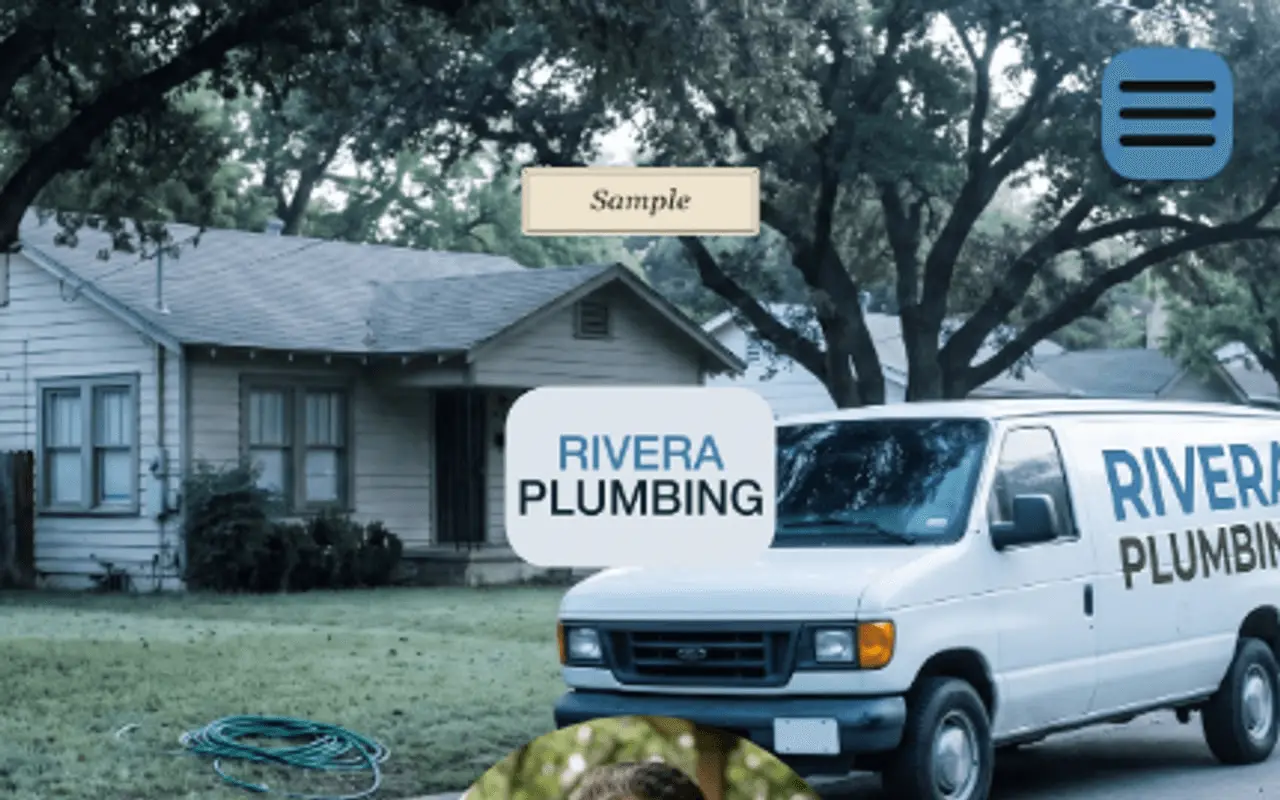
Logo, cover, and crew or job-site photos set the first impression when someone scans from the driveway.
- Trust · At a glance
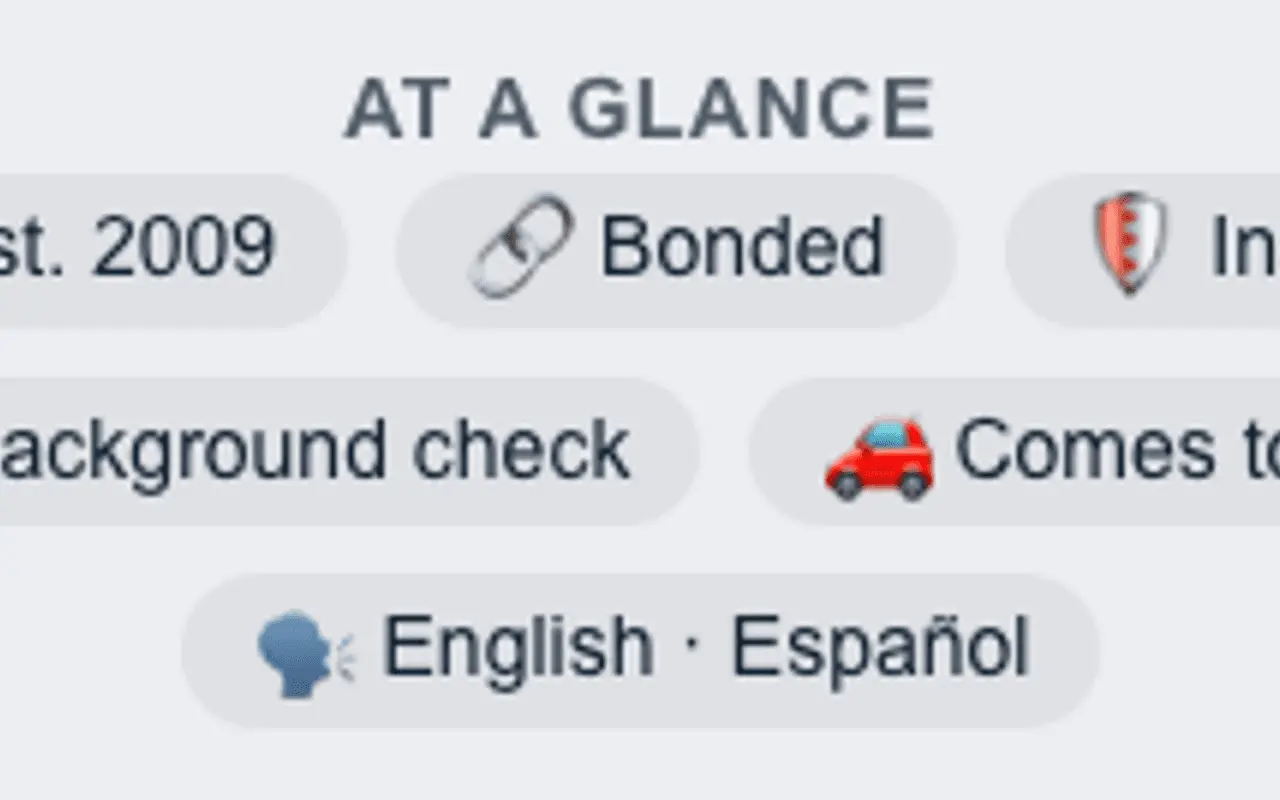
At a glance holds bonded, insured, comes-to-you, and custom rows. Author-stated.
- Primary Contact
Primary contact holds business identity and service-area address cues that support LocalBusiness-style discovery. Primary buttons emphasize tap-to-call, SMS, and maps so a homeowner can reach you before scrolling further.
- About
About is the shop story and meta description.
- Capability chips
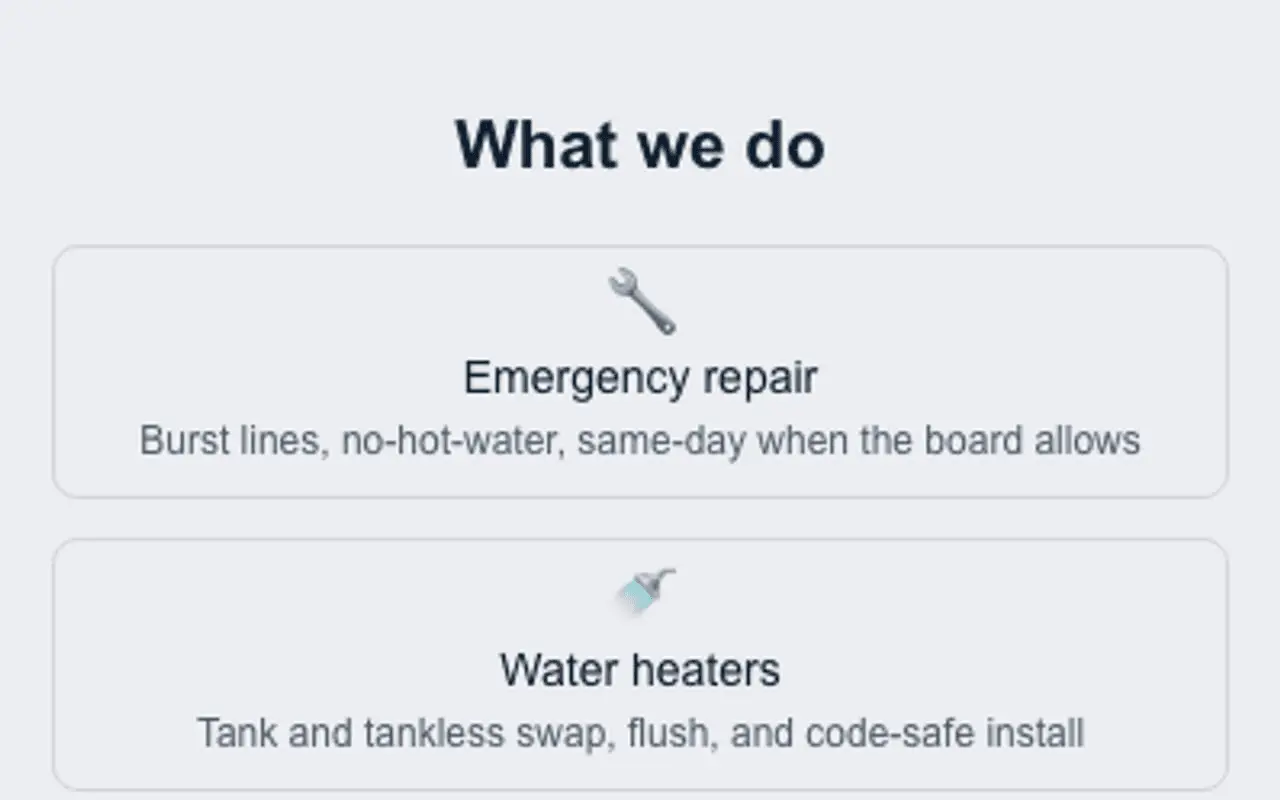
On Business the chip section is titled What we do. Service-only uses Inclusions.
- Credentials
Licenses, insurance, and certifications with issuer, jurisdiction, dates, and a verify link. On the Rivera Business sample.
- Secondary Contact
Secondary contact adds more save-to-phone and link actions below the primary row.
- Theme
Themes, palettes, and fonts keep the page readable in bright outdoor light when opened from a van QR.
- Engagement Actions
Engagement actions add quote forms, booking links, and custom-named CTAs beyond the primary call button.
- Featured
Featured is the proof story (photos, PDFs, embeds) on an on-page gallery rail. Priced jobs with an optional amount and one link live on the Services list when the profile type is Business.
- Testimonials
Rename Testimonials to The proof or Reviews; use person or business sources, ratings, carousel, and before/after labels for job photos.
- Hours
Hours supports weekly schedules, appointment-only modes, custom section names, and optional booking action links.
- Section order & nav
Section order & nav lets proof and contact float to the top, with optional jump menus and custom menu labels.
- Website tracking
Analytics snippets stay consent-aware when you add campaign tracking on seasonal service pages.
- Card QR
One card QR; tracking code per print, with print appearance controls.
- Save
Save publishes when the checklist is clear so the field page stays live while you iterate photos and hours.
Call it The proof, or type your own heading.
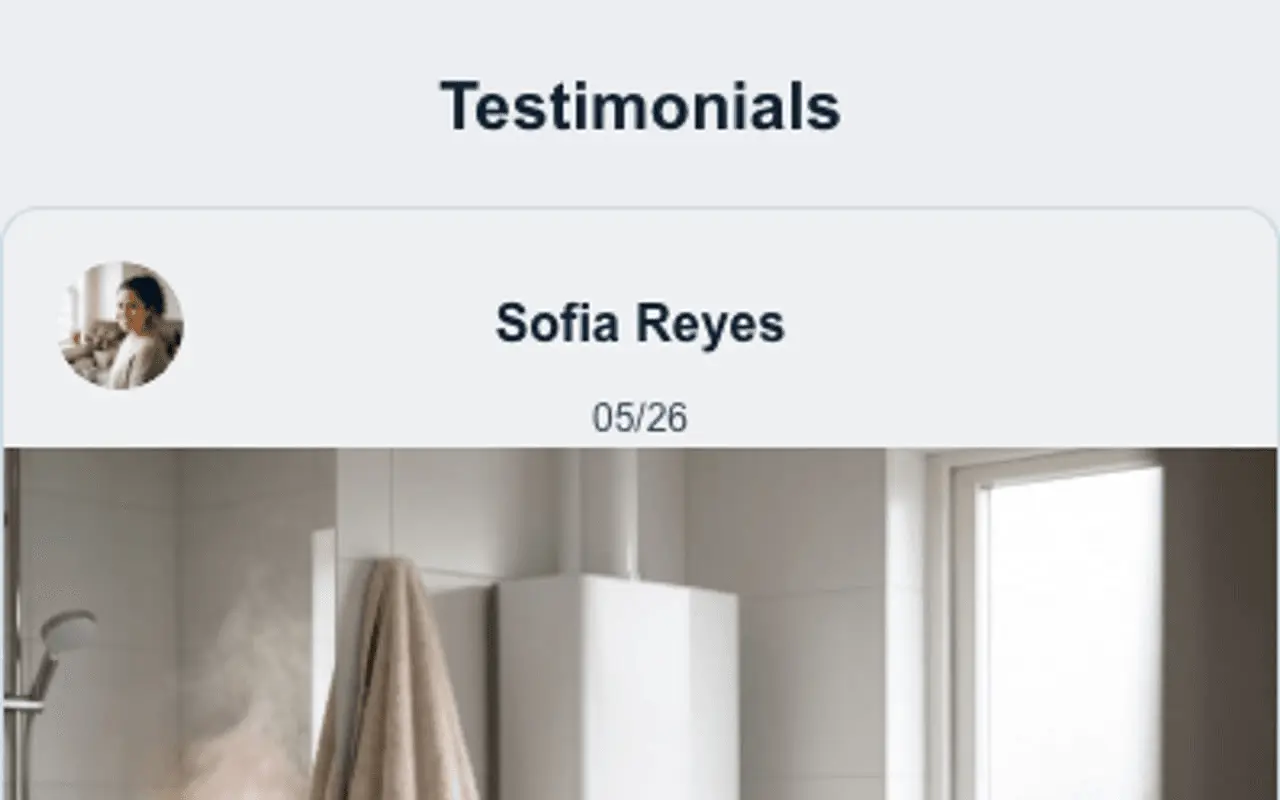
Section titles are not stuck on Testimonials. Choose a preset such as The proof, Reviews, Real results, or Client wins, or enter a custom heading. Source each quote as a person, business, organization, or custom type with your own type label. Add ratings, carousel auto-advance, photos or video, and before/after labels for job media.
Quote form on the van QR. Customers finish it before I park.
Embed the tools that win the job.
Quote forms, calendars, maps, and before/after video, allow-listed embeds so the van QR is the whole sales desk.
Typeform / Jotform
Quote and intake forms customers finish on their phone.
Calendly
Book a site visit without phone tag.
Google Maps
Service area or job-site pin on the page.
YouTube / Vimeo
Before-and-after reels that prove the work.
Google Reviews widgets
Allow-listed review embeds beside The proof.
Airtable / Tally
Warranty claims and maintenance checklists.
PDF manuals
Care guides and warranties attached as documents.
Stripe / PayPal links
Deposit or invoice pay links as engagement actions or embeds.
Outcomes
- Tap-to-call from the van QR
- Quote forms without a custom site build
- Before/after proof under a title you choose
- Appointment-only or weekly hours on Business types (not Service or Person)
- One-tap vCard save for homeowners
- Scan counts by van vs invoice placement
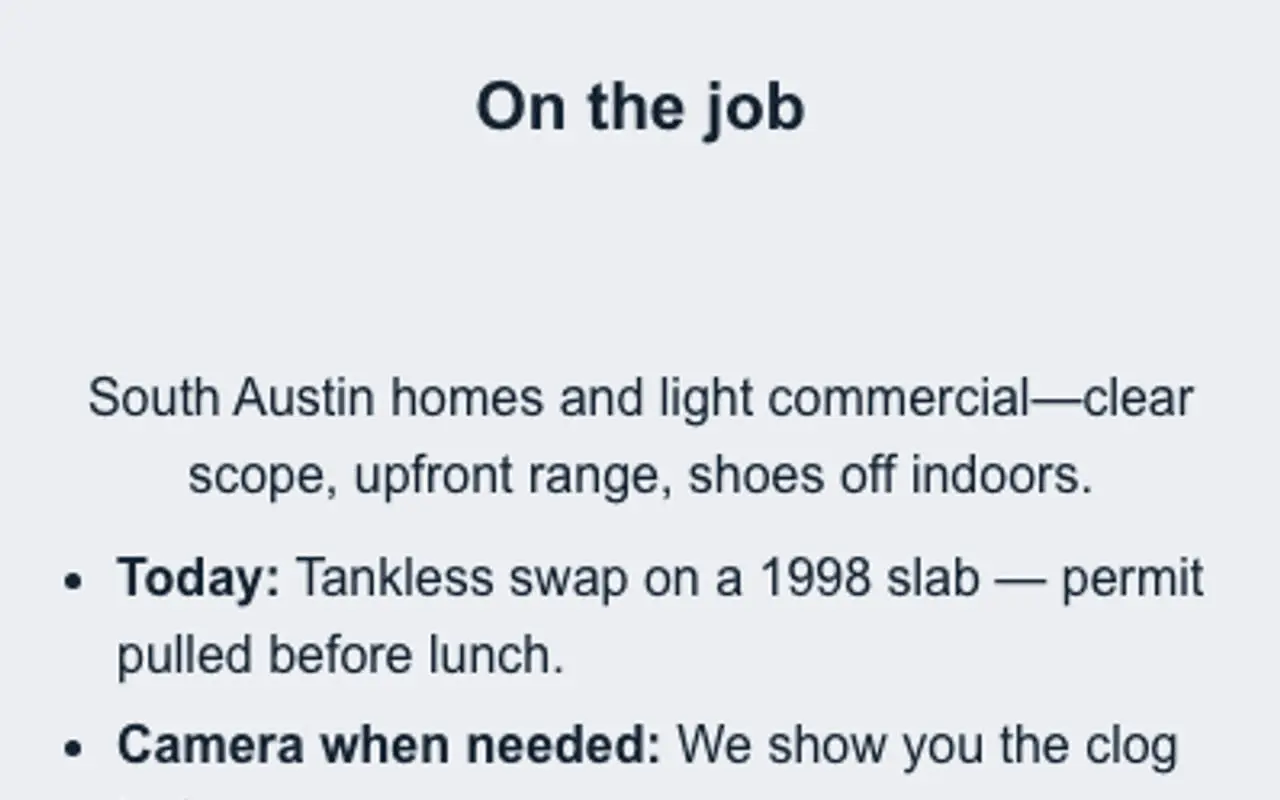
Header, At a glance, chips, Featured, and Testimonials: from a live profile.
These frames are captures of real ProfilePreview sections, not drawn mockups. Open the live example to scroll the full page.
From scan to booked job
- 01
Build the page, add call and message buttons, a quote form, and job photos.
- 02
Print the QR on the van, the invoice, and the door hanger, each with its own tracking code.
- 03
Win the work: visitors call, book, or request a quote in one tap, and you see which placement earned the scan.
Trades & home-services questions
Do I need a website first?
No. Your gotosignal page is a mobile-ready, single-page site on its own URL, add your contact buttons, photos, and forms and it is live in minutes.
Can customers request a quote or booking?
Yes. Embed a quote or booking form from the services you already use, so requests arrive without a round of phone tag.
Can I tell whether the van or the invoice earned the scan?
Yes. Give each placement its own tracking-code QR variant and compare scan counts by placement in the dashboard.
Can I rename Testimonials to something like The proof?
Yes. Pick a section-title preset (The proof, Reviews, Real results, and many more) or type a custom heading. You can also set each source as a person, business, organization, or custom type.
Can I show appointment-only hours?
Yes. Hours supports weekly schedules, appointment-only modes, custom section names, and optional booking action links so visitors know how to book you.
Why not hand out NFC cards only?
NFC cards exchange contacts but rarely prove which van, invoice, or door hanger earned the scan. gotosignal publishes the living scannable profile people land on, with scan analytics by tracking code on every surface you print.
Put the proof one scan away.
No credit card required. Subscribe when you publish. 30-day trial after go-live.