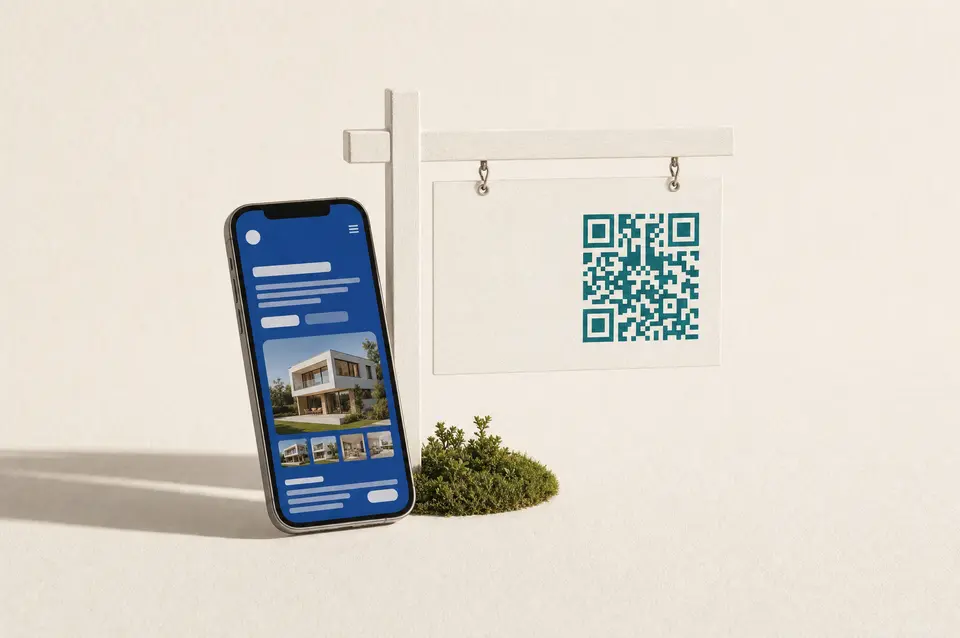
A page per listing, scannable from the yard sign.
Each listing gets its own URL with photos, a 3D tour, open-house hours, a lead form, and scan analytics.
A gotosignal listing page is a mobile-ready profile per property with Featured tour embeds, lead capture, jump nav, and a dedicated yard-sign QR.
No credit card required. Subscribe when you publish. 30-day trial after go-live.
What you can put on a listing page
- 01
Embed videos and virtual walkthroughs
Featured embeds hold 3D tours, galleries, and walkthrough video buyers expect before they call.
- 02
Amenities, maps, and lead form
Amenities, neighborhood details, maps, and a lead form sit on one listing profile.
- 03
Open-house and showing hours
Hours can publish open-house windows, appointment-only showings, or custom viewing schedules.
- 04
Jump nav with custom labels
Section order and nav supports sticky jump menus with custom labels for Tour, Floor plan, Neighborhood, and more.
- 05
Per-listing yard-sign QR
Print the listing QR on the yard sign, flyer, and lockbox card with a tracking code per print.
- 06
One-tap save contact
Buyers save your contact in one tap. Retire or repoint the page after sold without reprinting every sign.
What you can do on the page
- Profile type
Choose Place so Amenities chips and Hours appear. Credentials stay off.
- Header
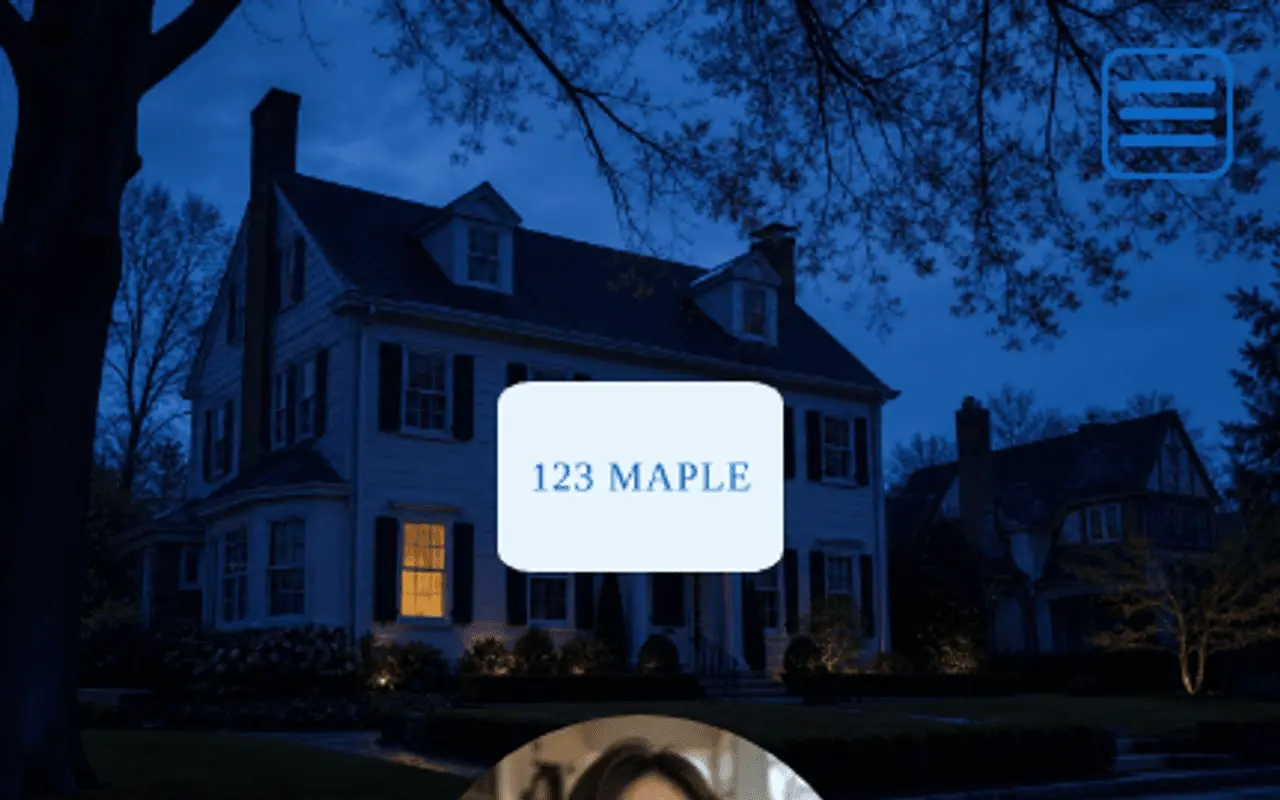
Listing hero photography, logo, and crop shapes set the curb appeal when someone scans the yard sign.
- Trust · At a glance
At a glance can hold listing and neighborhood signals. Not platform-verified.
- Primary Contact
Primary contact carries agent or brokerage identity and address details that support LocalBusiness-style discovery. Primary buttons emphasize call, SMS, email, and save-contact so buyers act before scrolling the tour.
- About
About is the listing story for search meta and the page body.
- Capability chips
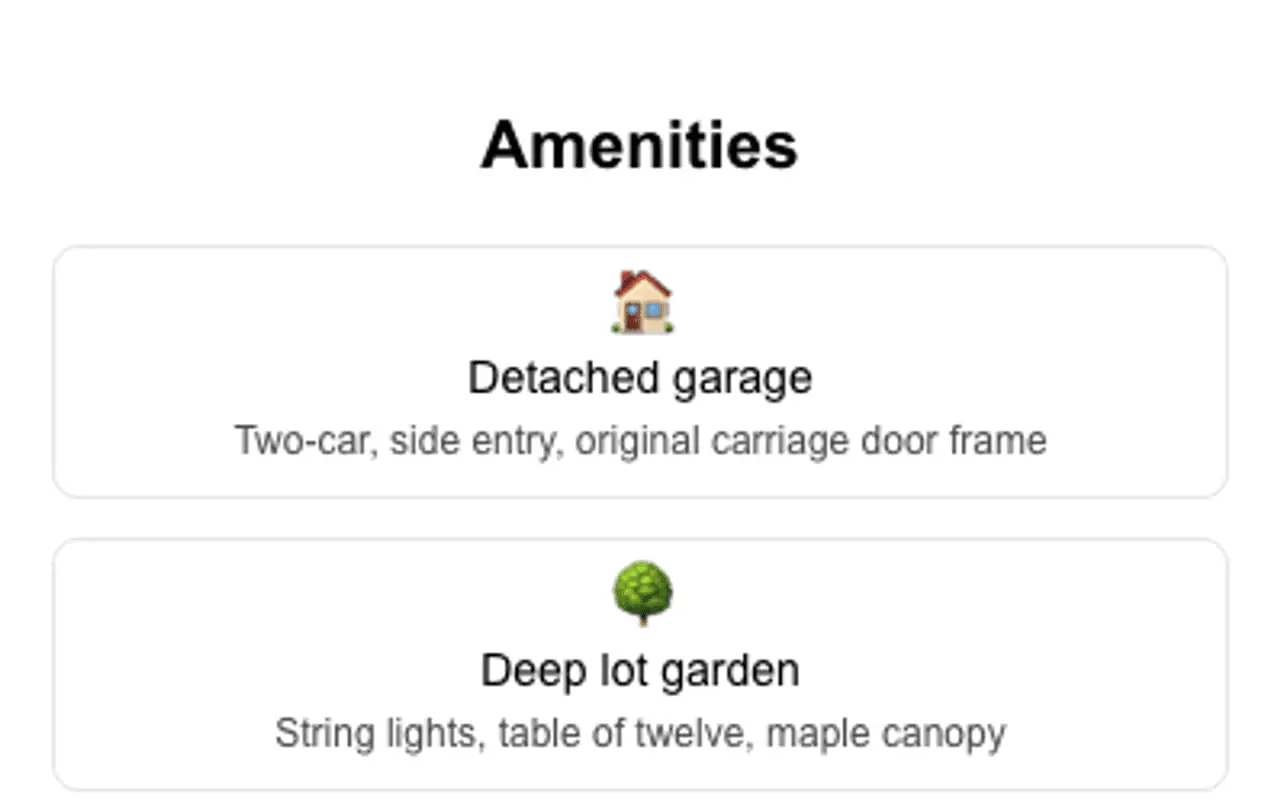
On Place the chip section is titled Amenities.
- Secondary Contact
Secondary contact adds more save-to-phone and link actions below the primary row.
- Theme
Themes, palettes, fonts, and share image keep listing previews consistent across social and messaging apps.
- Engagement Actions
Engagement actions add lead forms, calendar links, and custom-named CTAs beyond the primary contact row.
- Featured
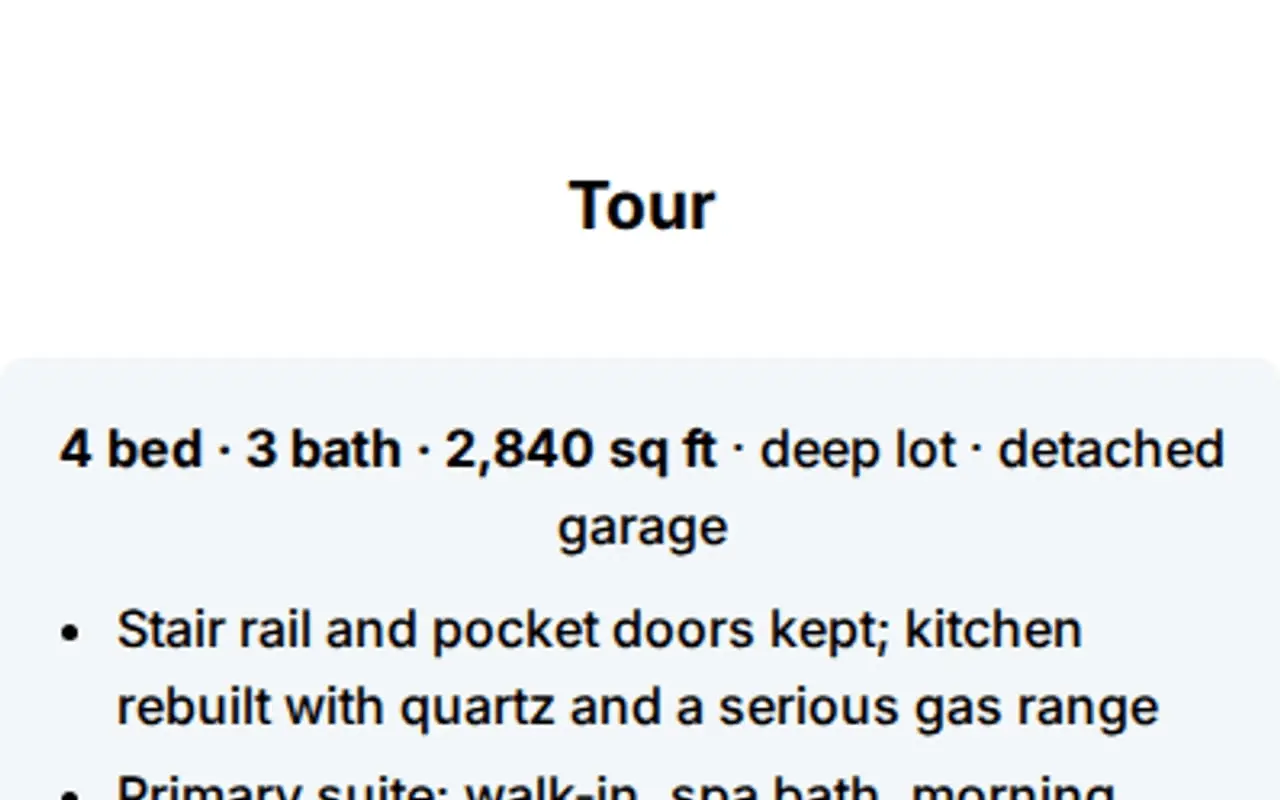
Featured sections with custom titles (Tour, Floor plan, Neighborhood) hold an on-page gallery rail for media, embeds, and PDFs per listing, plus one optional link.
- Testimonials
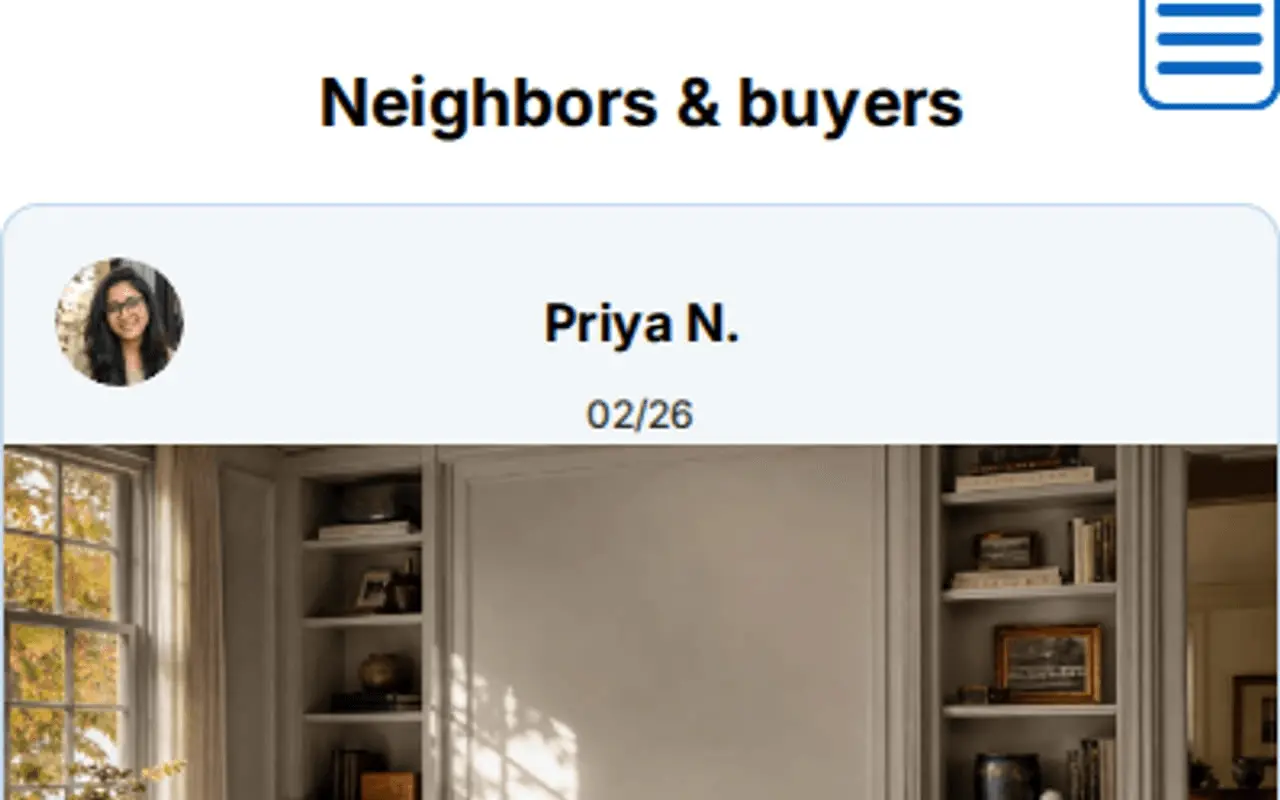
Rename Testimonials to Client experiences or Buyer stories; use person or organization sources, ratings, and media quotes.
- Hours
Hours can show open-house windows, appointment-only showings, or a custom section name for viewing times.
- Section order & nav
Section order & nav with custom menu labels helps long listings jump between tour, details, and contact.
- Website tracking
Analytics snippets stay consent-aware on campaign landing pages tied to a listing push.
- Card QR
Each listing gets one card QR; tracking codes for sign, flyer, and lockbox with appearance controls.
- Save
Save publishes the listing; deactivate or repoint after sold without abandoning the printed QR.
Call it Client experiences, or your own title.
Section titles are editable: pick Client experiences, Success stories, Reviews, or type a custom heading. Each quote can be a person, business, organization, or custom type with your own type label. Optional ratings, carousel, and media help buyer and seller stories sit beside the listing tour, not in a fixed Testimonials box.
Yard sign QR opens the Matterport and the showing calendar, not a PDF graveyard.
Embed tours, forms, and neighborhood proof.
Listing pages carry 3D tours, calendars, maps, and lead forms buyers expect before they call.
Matterport
3D virtual tours in Featured, walk the home from the yard sign.
YouTube / Vimeo
Agent walkthroughs and neighborhood films.
Calendly
Book a showing without another phone tree.
Typeform / Jotform
Buyer intake and pre-qualification forms.
Google Maps
Neighborhood pins, schools, and commute context.
Google Docs / PDFs
Floor plans and disclosures that stay current.
Spotify / SoundCloud
Neighborhood playlists or open-house ambience.
Scheduling widgets
Allow-listed booking embeds for brokerages that already use them.
Outcomes
- One profile URL per listing
- 3D tour and gallery embeds
- Lead form plus vCard save
- Jump nav with custom menu labels
- Per-listing yard-sign QR
- Deactivate cleanly after sold
Header, At a glance, chips, Featured, and Testimonials: from a live profile.
These frames are captures of real ProfilePreview sections, not drawn mockups. Open the live example to scroll the full page.
From sign to qualified lead
- 01
Build a page per listing, add photos, a 3D-tour embed, and a lead form.
- 02
Print the per-listing QR on the yard sign, flyers, and lockbox cards.
- 03
Capture the lead, buyers save your contact in one tap and you see per-listing scan analytics.
Real estate questions
Can I make a separate page for each listing?
Yes. Each property gets its own URL, theme, and QR, so the sign scans straight to that listing.
How do buyers reach me from the page?
Embed a lead form and add one-tap call, message, and save-my-contact vCard buttons so buyers reach you the moment they scan.
What happens when the property sells?
Deactivate or repoint the page without reprinting signage, the QR stays yours for the next listing.
Can I call the testimonials section Client experiences?
Yes. Choose the Client experiences preset or type any custom heading. Sources can be person, business, organization, or a custom type with your own type label.
Can buyers jump to sections with custom menu labels?
Yes. Section order & navigation lets you enable a jump menu and set custom labels, or follow your Featured section titles automatically.
Yard sign QR vs listing card apps?
Listing card apps store agent contacts. A yard-sign placement QR should open a rich listing profile with tours, lead capture, and per-listing scan analytics, then retire cleanly when the property sells without reprinting every sign.
Make every sign a scannable listing.
No credit card required. Subscribe when you publish. 30-day trial after go-live.