A page for the moment, scannable everywhere.
Weddings, pop-ups, conferences, and fundraisers all live for the day, then retire when they are done.
A gotosignal event page is a mobile-ready profile for a moment with ticketing embeds, featured agenda, tracked event QR, and an activate and retire lifecycle.
No credit card required. Subscribe when you publish. 30-day trial after go-live.
What you can put on an event page
- 01
Ticketing & RSVP embeds
Embed ticketing, RSVP, and schedule widgets from the services you already use on one page.
- 02
Featured agenda and program PDF
Featured blocks with custom titles hold agendas, sponsor grids, maps, and program PDFs guests need on the day.
- 03
Activate, then retire
Go live for the day and deactivate after, the page retires cleanly and the link stays yours.
- 04
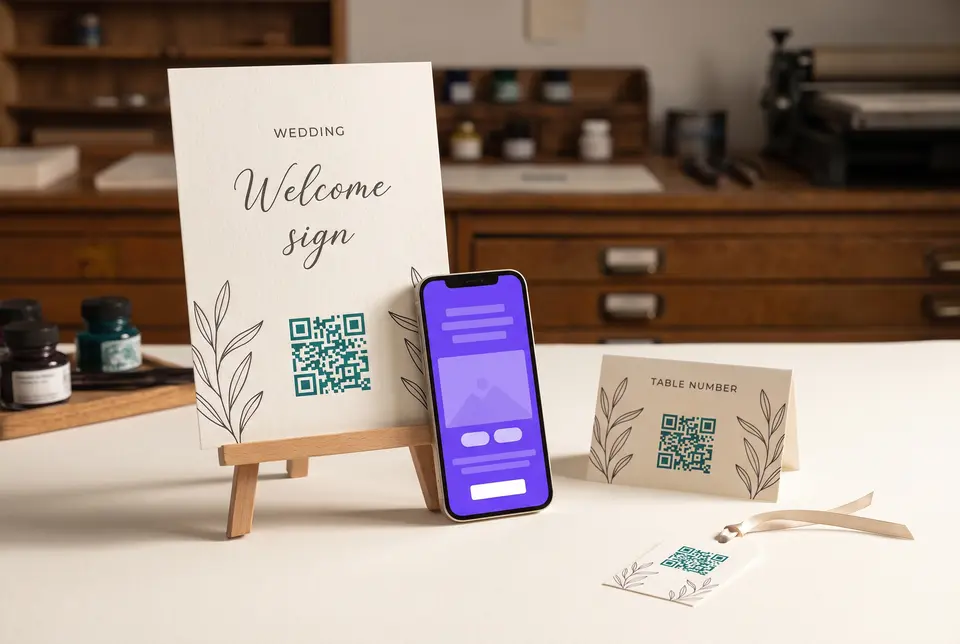
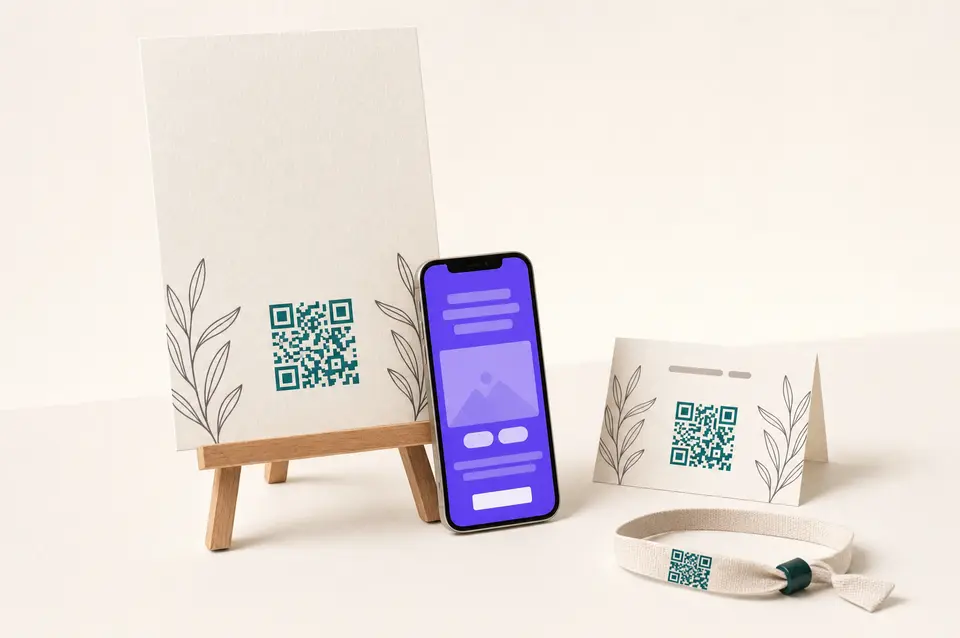
Print-variant QR kit
One event QR; tracking code per print for invitations, entrance signs, badges, and tables.
- 05
Theme & share image
Typography, palettes, and share image match the wedding, conference, or fundraiser look.
- 06
Sponsor Featured sections
Featured blocks with custom titles hold sponsor grids, agendas, and program PDFs.
What you can do on the page
- Profile type
Choose Event so Themes chips and Hours appear. Credentials stay off.
- Header
Moment photography, logo, and crop shapes set the tone when guests scan from an invitation or entrance sign.
- Trust · At a glance
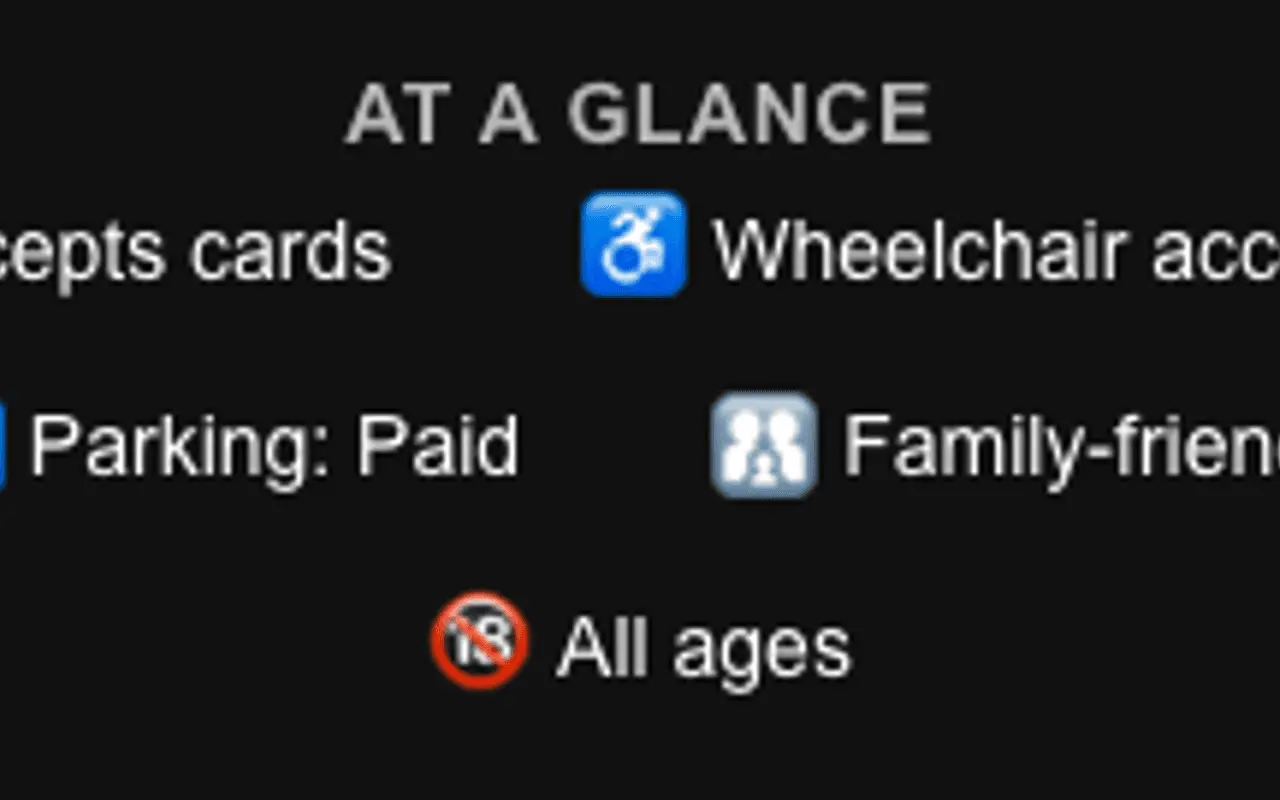
At a glance can hold door-time and event signals. Not platform-verified.
- Primary Contact
Primary contact carries venue or organizer identity and location details guests need on the day. Primary buttons surface tickets, maps, and message shortcuts before the full agenda scroll.
- About
About is the event story for search meta and the page body.
- Capability chips
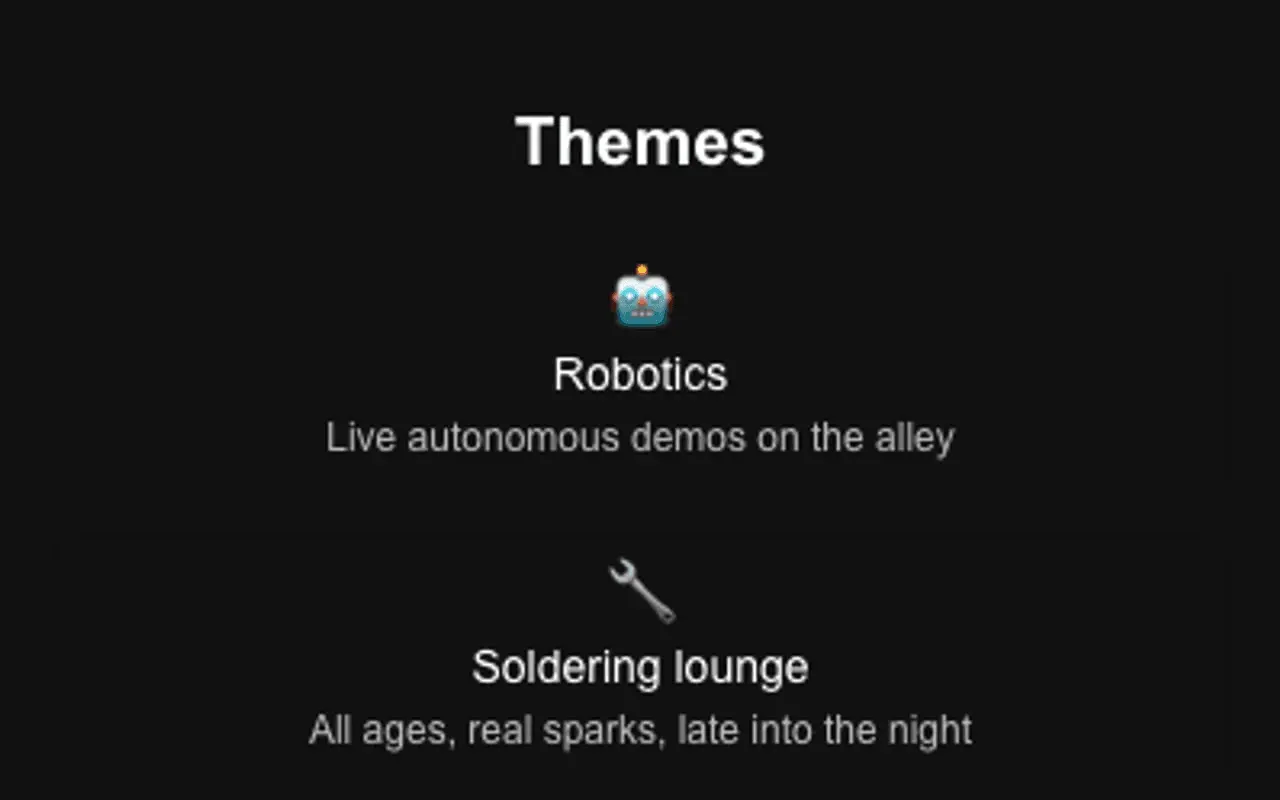
On Event the chip section is titled Themes.
- Secondary Contact
Secondary contact adds more save-to-phone and link actions below the primary row.
- Theme
Themes, fonts, and share image keep wedding or conference branding consistent across invites and social.
- Engagement Actions
Engagement actions add Eventbrite-style tickets, RSVP links, and custom-named CTAs beyond the primary row.
- Featured
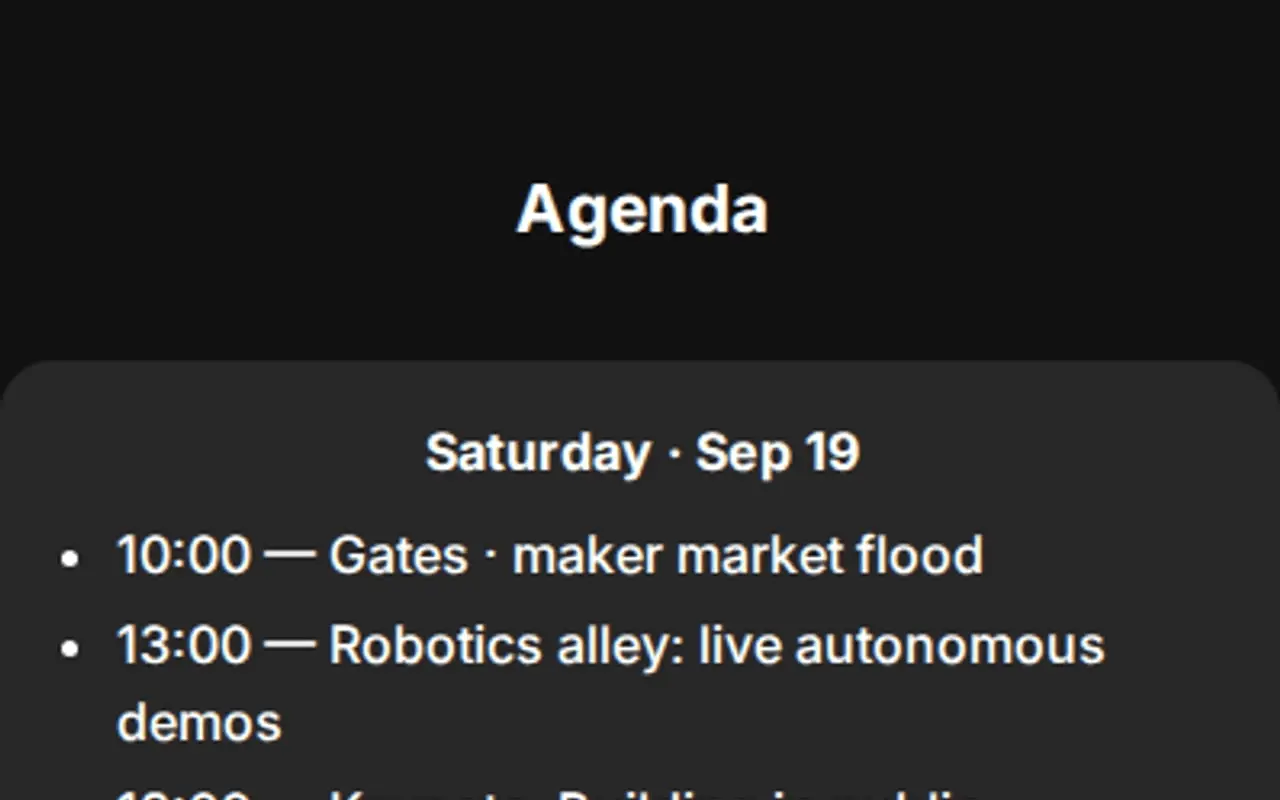
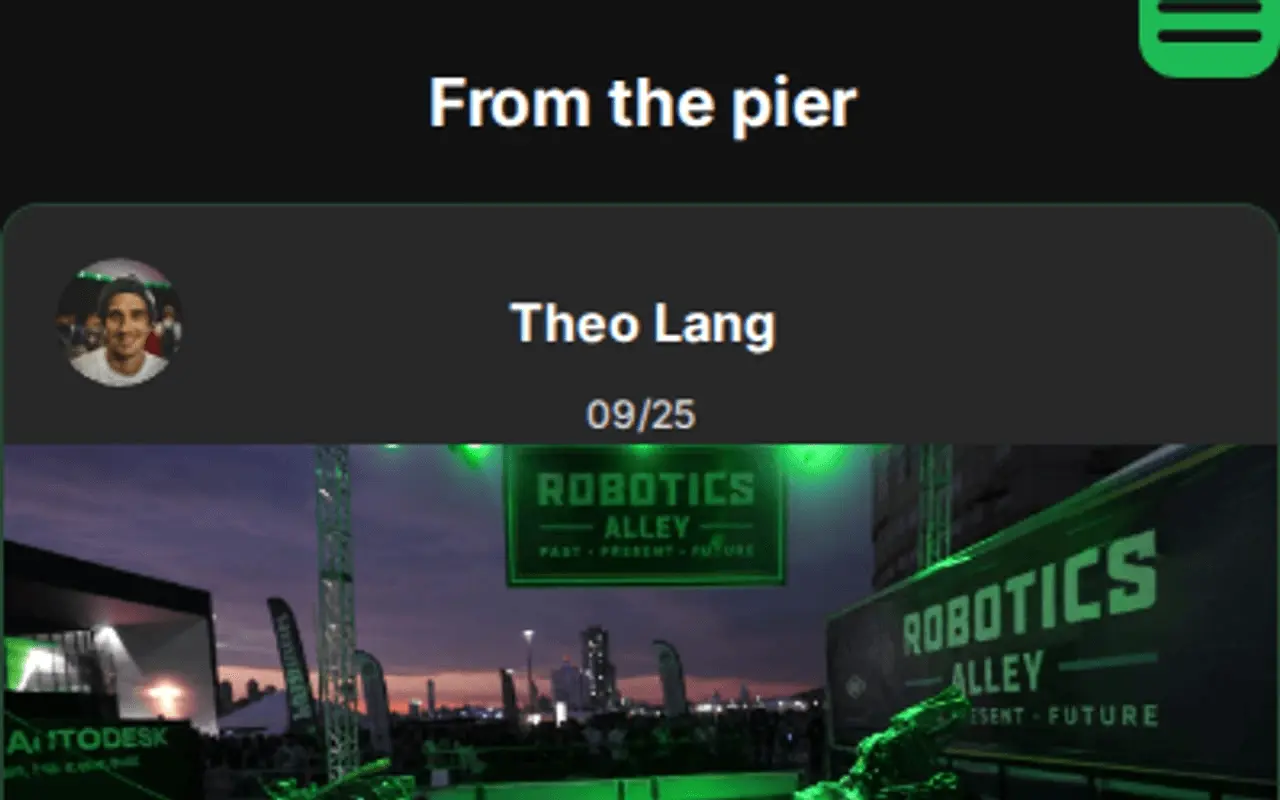
Featured sections with custom titles (Agenda, Sponsors, Travel) hold an on-page gallery rail for media, embeds, and program PDFs, plus one optional link.
- Testimonials
Rename Testimonials to Wall of love or Guest notes; use person or organization sources, ratings, carousel, and media.
- Hours
Hours can publish door times, session windows, or a custom section name for the day-of schedule.
- Section order & nav
Section order & nav with custom menu labels helps multi-block events jump between agenda, tickets, and venue.
- Website tracking
Analytics snippets stay consent-aware on campaign pages promoting the event.
- Card QR
One card QR plus tracking codes for invitations, signs, badges, and tables.
- Save
Save publishes for the moment; deactivate after wrap-up without losing the link for next year.
Call it Wall of love, or write your own.
Testimonials is not a fixed label. Choose Wall of love, Praise, Voices that matter, or type a custom heading. Source each note as a person, business, organization, or custom type with your own type label. Optional ratings, carousel, and media keep guest and sponsor quotes feeling like the event, not a stock widget.
One page for tickets, schedule, and sponsors, then we retire it after the weekend.
Embed tickets, RSVPs, and the schedule.
One event page for ticketing, calendars, maps, sponsors, and recap video, then retire the page when the moment ends.
Eventbrite
Ticket and registration embeds on the event page.
Typeform / Tally
RSVP and dietary preference forms.
Google Maps
Venue directions and parking notes.
YouTube / Vimeo
Teasers, speaker reels, and day-of recaps.
Spotify / Apple Podcasts
Event playlists or speaker podcasts.
Calendly
Speaker office hours or VIP appointments.
PDF programs
Agendas and run-of-show that update after print.
Review / social embeds
Allow-listed wall-of-love and social feed embeds.
Outcomes
- Ticketing and RSVP embeds
- Featured agenda and program PDFs
- Print-variant signage kit (tracking codes)
- Theme and share image for the moment
- Sponsor Featured sections you name
- Activate for the day, retire after
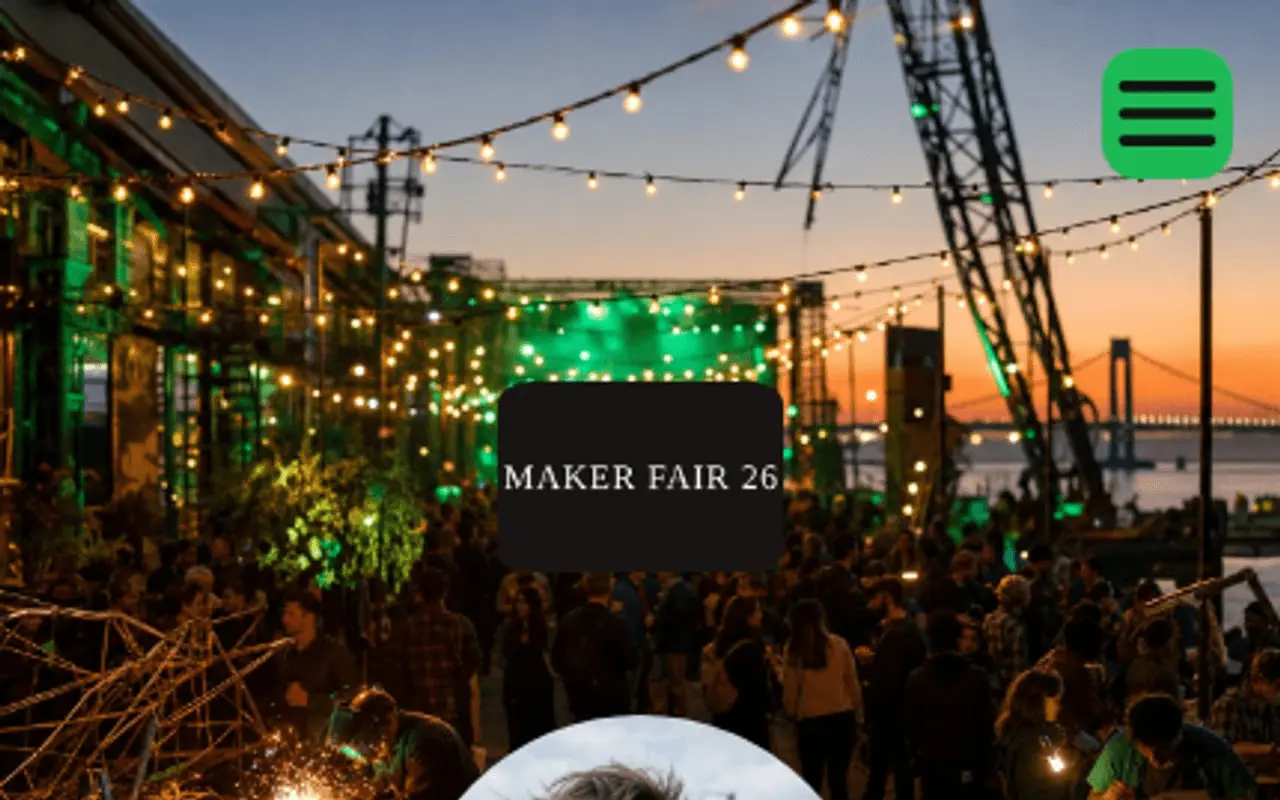
Header, At a glance, chips, Featured, and Testimonials: from a live profile.
These frames are captures of real ProfilePreview sections, not drawn mockups. Open the live example to scroll the full page.
From save-the-date to wrap-up
- 01
Create the page, add ticketing, RSVP, and schedule embeds.
- 02
Put scannable signage everywhere, with tracking codes on invitations, entrance signs, badges, and tables.
- 03
Activate for the moment and deactivate after, the link stays yours for next time.
Event & venue questions
Can attendees buy tickets or RSVP from the page?
Yes. Embed ticketing, RSVP, and schedule widgets from the services you already use, all on one page.
Can I compare scans from invitations, signs, and badges?
Yes. One event QR with tracking codes per print lets you compare invitation, entrance, and table scans in the dashboard.
What happens to the page after the event?
Deactivate it when the moment is over, the page retires cleanly and the link stays yours to reactivate later.
Can I rename Testimonials to Wall of love?
Yes. Pick the Wall of love preset or type any custom heading. Each entry can be a person, business, organization, or custom type with your own type label.
Can I put different QRs on invitations, signs, and badges?
Yes. One event QR with tracking codes per print so you can compare invitation, entrance, and table scans.
Badge NFC retailers vs event page + placements?
NFC badge retailers sell plastic. Events need a living scannable profile with ticketing embeds and tracking-code prints on signs, badges, and tables, so you see which surface drove attendance, not just that a tap happened.
Give the moment a page.
No credit card required. Subscribe when you publish. 30-day trial after go-live.