Portfolio, proof, and a way to book. Scannable from a badge.
Consultants, creators, and professionals get one profile with skills, credentials, media, testimonials, and a booking link.
A gotosignal people profile is a mobile-ready page with portfolio Featured sections, credentials, testimonials, booking embeds, vCard save, and a tracked QR for badge, card, and handout placements.
No credit card required. Subscribe when you publish. 30-day trial after go-live.
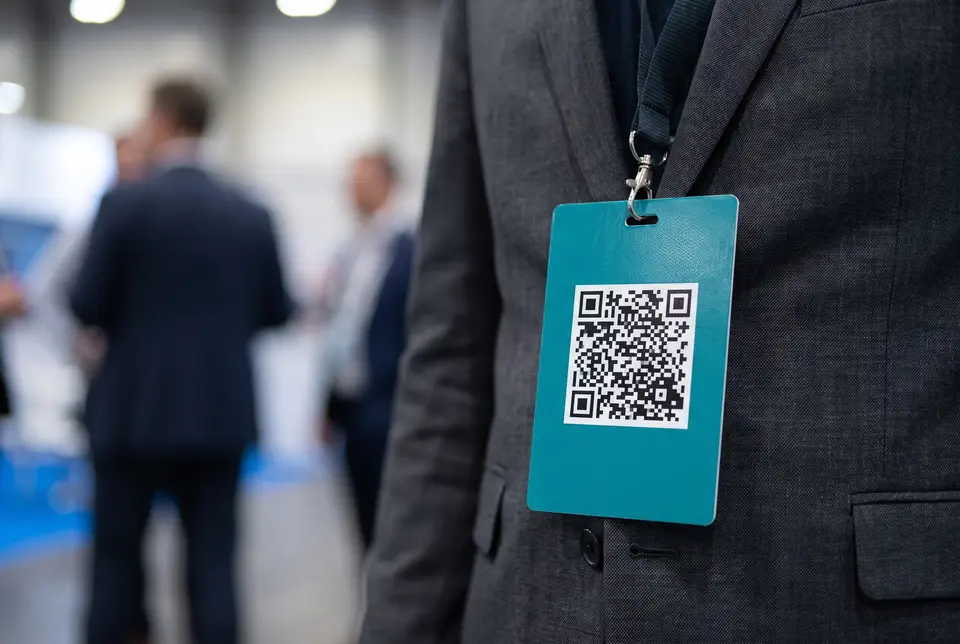
What you can put on a people profile
- 01
One-tap call, message, and save
Primary buttons put call, SMS, email, and save-to-phone at the top of the profile when someone scans your badge or card.
- 02
Portfolio and credentials
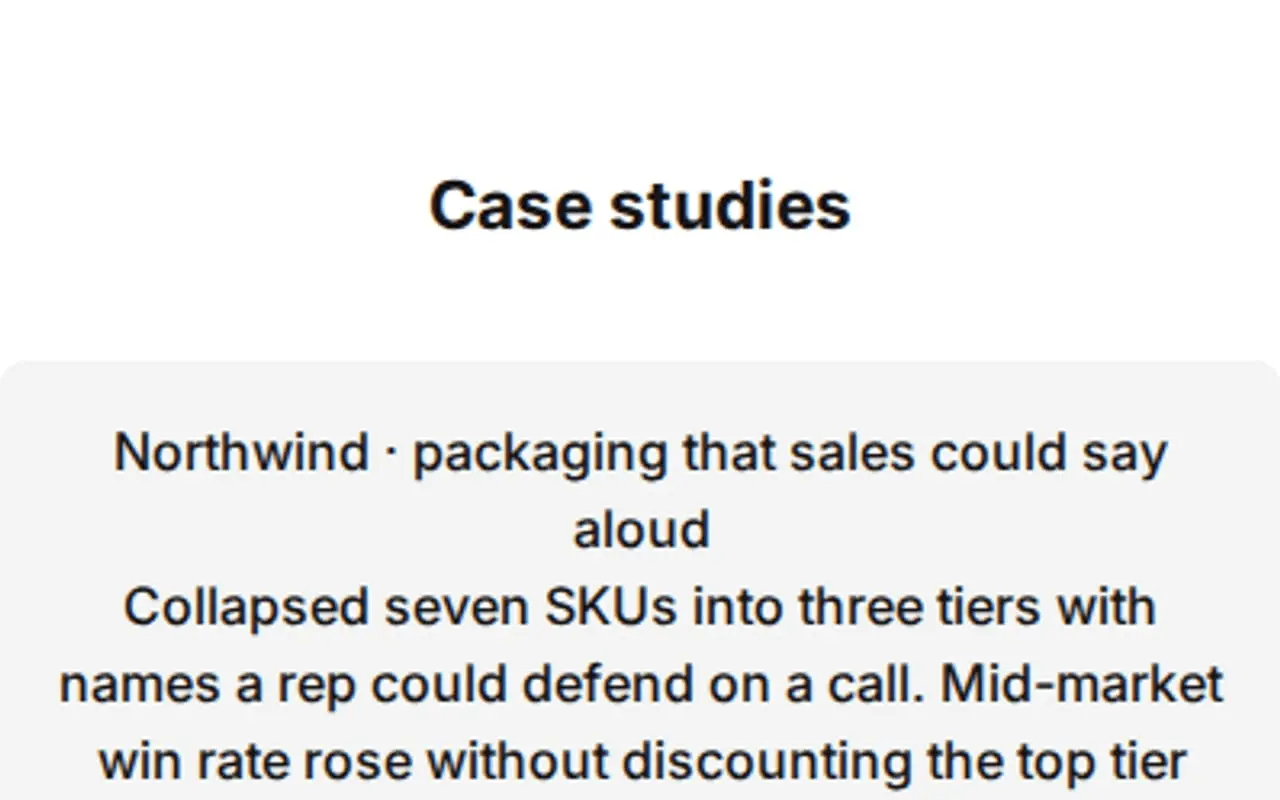
Featured sections with custom titles hold case studies, media, skills, licenses, and at-a-glance signals visitors can trust.
- 03
Testimonials you can rename
Call the section Reviews, Client wins, or a custom title. Add ratings, carousel, and media quotes from clients and collaborators.
- 04
Booking and calendar embeds
Embed the booking link or calendar you already use so prospects schedule without email ping-pong.
- 05
Badge, card, and handout QR
Print one tracked QR on the lanyard badge, business card, and speaker handout. Update the profile after it is printed.
- 06
Scan analytics by placement
Tracking codes separate badge, card, and booth scans so you know which surface drove the conversation.
What you can do on the page
- Profile type
Choose Person so Skills chips and Credentials appear. Hours stays off unless you switch to Business.
- Header
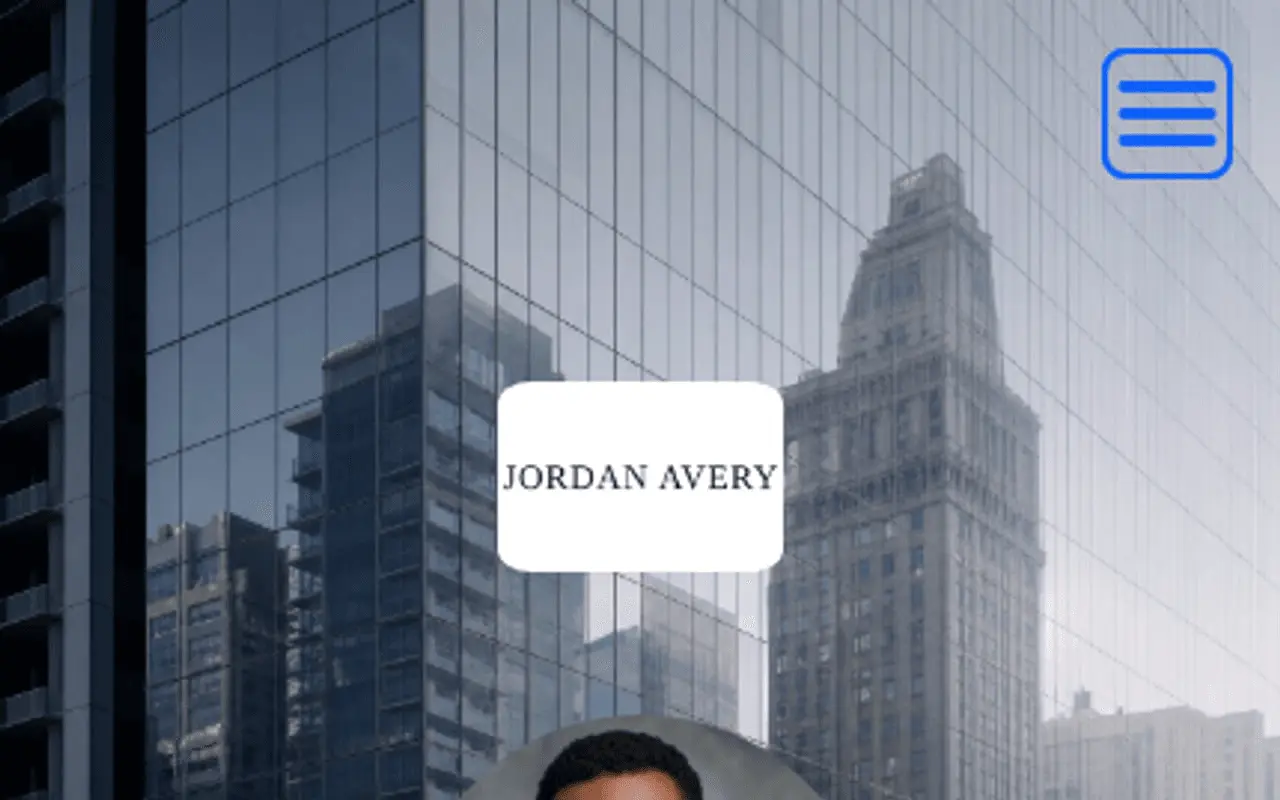
Professional headshot, cover, crop shapes, and At a glance trust signals set the first impression when someone scans from a badge or card.
- Trust · At a glance
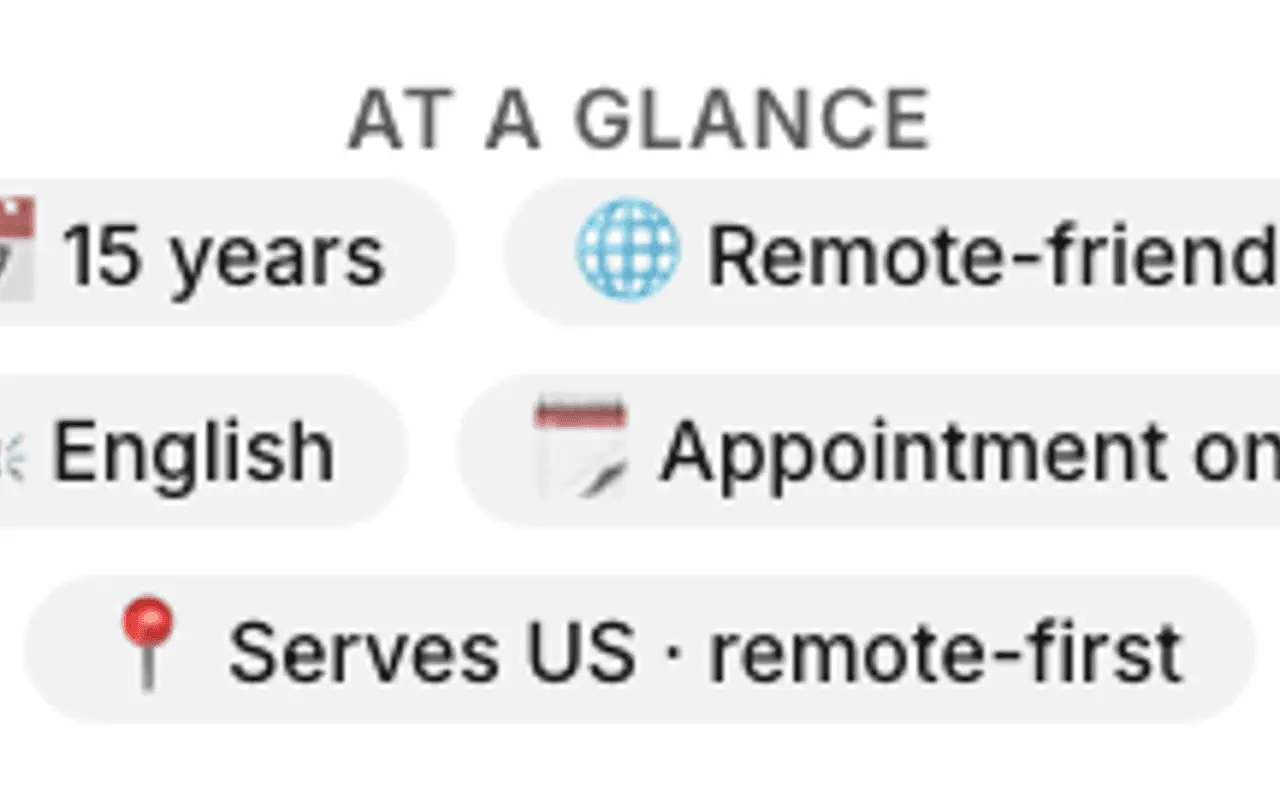
At a glance under the header holds owner-stated signals such as languages spoken, appointment-only, and established year. Not platform-verified.
- Primary Contact
Primary contact carries your name, title, and optional location cues. Primary buttons emphasize call, message, email, and save-contact so prospects reach you before scrolling the portfolio.
- About
About is the rich-text bio that also feeds search meta and the contact card. Pick About, Intro, Story, Bio, or a custom title.
- Capability chips
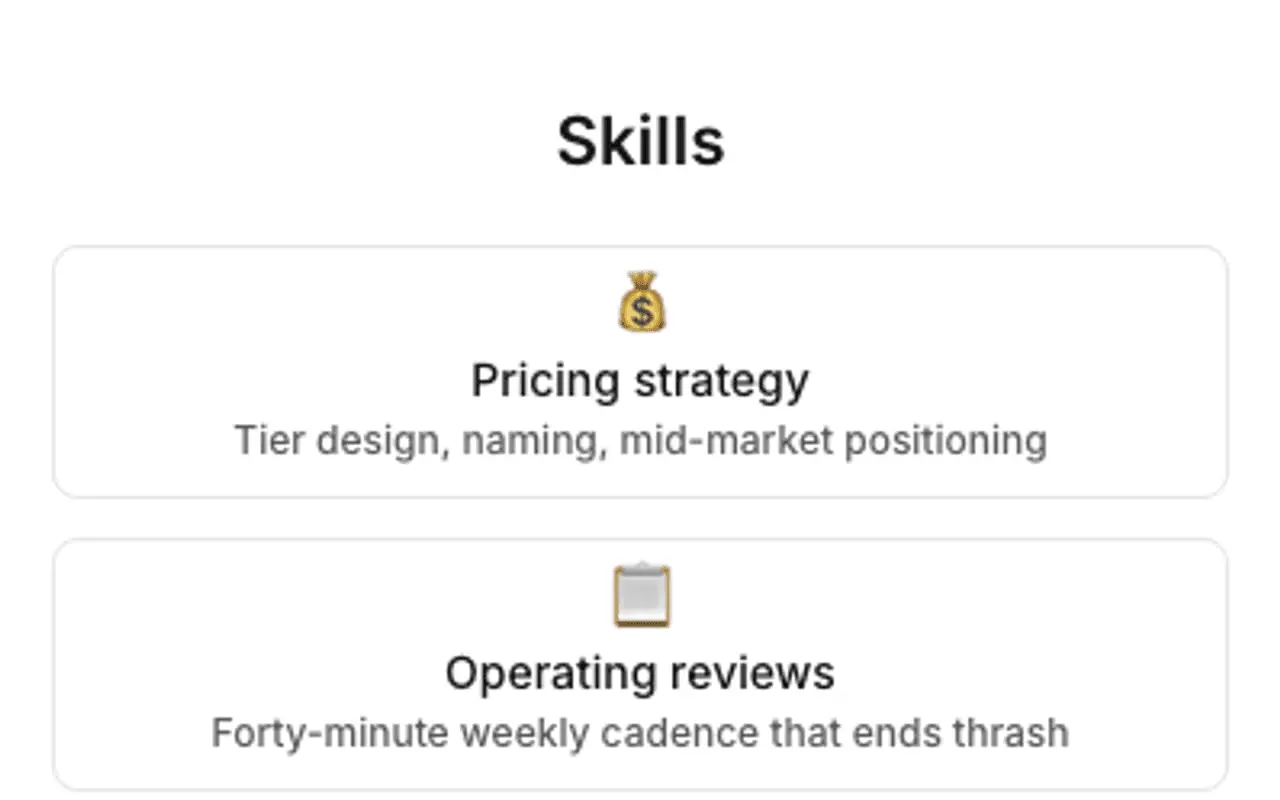
On Person the chip section is titled Skills. Up to 12 emoji plus name plus description items.
- Credentials
Licenses, certifications, and other proof with issuer, jurisdiction, dates, and a verify link. On Person profiles.
- Secondary Contact
Secondary contact adds more save-to-phone and link actions below the primary row.
- Theme
Themes, palettes, fonts, and share image keep the profile readable on phones and consistent on social previews.
- Engagement Actions
Engagement actions add booking links, custom-named CTAs, and social presets beyond the primary contact row.
- Featured
Featured sections with custom titles (Portfolio, Case studies, Speaking) hold an on-page gallery rail for media, embeds, and PDFs, plus one optional link.
- Testimonials
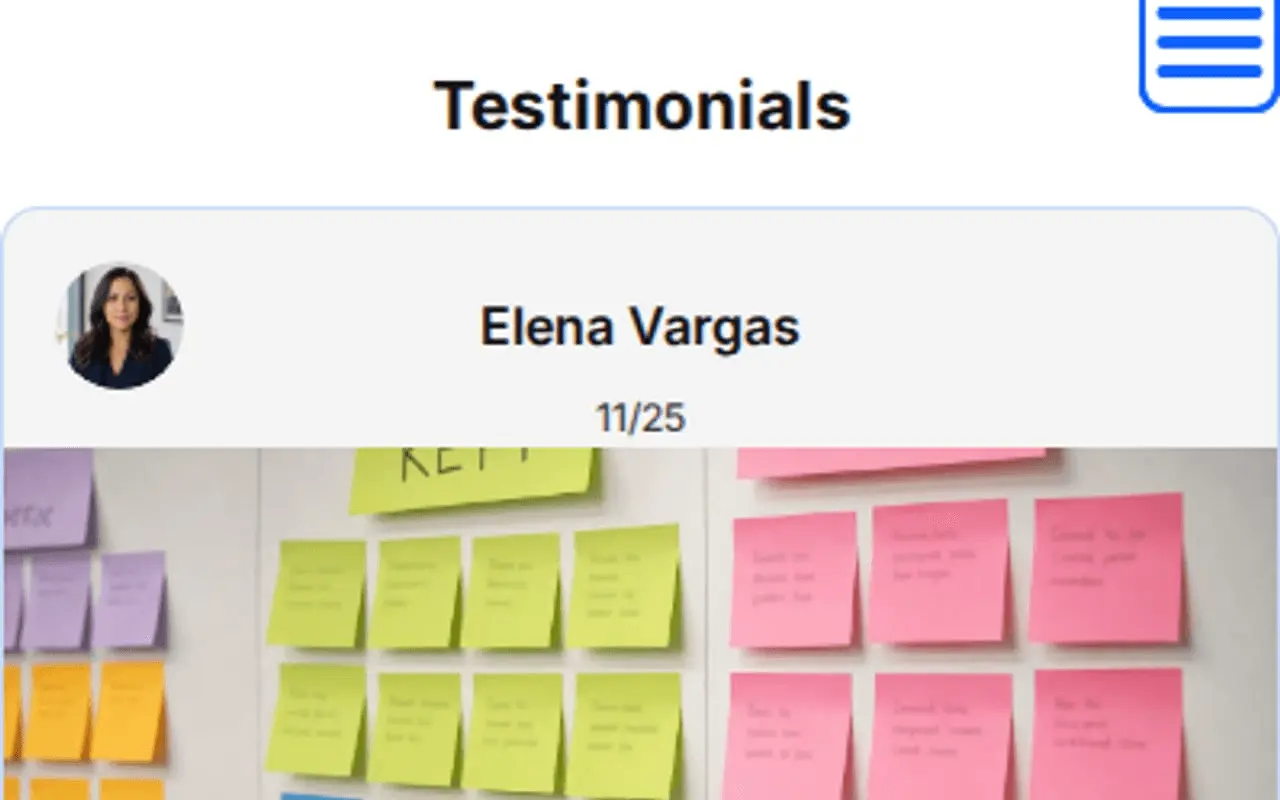
Rename Testimonials to Reviews or Client wins; use person or organization sources, ratings, carousel, and media quotes.
- Section order & nav
Section order and nav lets proof and booking float to the top, with optional jump menus and custom menu labels.
- Website tracking
Analytics snippets stay consent-aware when you add campaign tracking on launch pages.
- Card QR
One card QR with tracking codes for badge, card, and handout prints, plus print appearance controls.
- Save
Save publishes when the checklist is clear so your field profile stays live while you iterate proof and links.
Call it Reviews, or write your own title.
Testimonials is not a fixed label. Choose Reviews, Client wins, Praise, or type a custom heading. Each entry can be a person, business, organization, or custom type with your own type label, plus optional ratings, carousel, and media.
The badge QR always opens my current booking link and latest case study.
Embed booking, video, and proof.
Allow-listed embeds drop into Featured sections: calendars, forms, video reels, and docs without custom code.
Calendly / booking
Calendly and booking widgets so the badge scan opens your live calendar.
YouTube / Vimeo
Speaker reels, demos, and portfolio video beside your bio.
Typeform / Tally
Intake forms and discovery questionnaires for new clients.
Google Docs / PDFs
One-pagers, decks, and credentials that stay current after print.
Spotify / Apple Podcasts
Podcast or talk episodes when media is part of your brand.
Loom / Wistia
Async intros and walkthroughs for prospects who scan your card.
LinkedIn / social embeds
Allow-listed social proof beside Featured work.
Stripe / PayPal links
Deposit or invoice pay links as engagement actions.
Outcomes
- Portfolio blocks under titles you choose
- Credentials and skills at a glance
- Booking link on the same page as proof
- vCard save in one tap
- QR on badge, card, and handout
- Scan counts by placement
Header, At a glance, chips, Featured, and Testimonials: from a live profile.
These frames are captures of real ProfilePreview sections, not drawn mockups. Open the live example to scroll the full page.
From badge scan to booked call
- 01
Build the profile. Add portfolio Featured sections, credentials, testimonials, and a booking link.
- 02
Print the QR on the badge, the card, and the handout, each with its own tracking code.
- 03
Win the meeting. Prospects call, message, book, or save your contact in one tap.
People profile questions
Can I put a QR on a conference badge or lanyard?
Yes. Customize the QR, download a print-ready SVG or PNG, and place it on a badge, lanyard, or business card. Scans open your live profile instantly.
Can visitors book time from the profile?
Yes. Embed Calendly, Cal.com, or another allow-listed booking widget, or add a booking URL as an engagement action.
Can I show licenses, certifications, and skills?
Yes. Credentials hold licenses and certifications. Skills chips sit at a glance. Featured sections hold portfolio work, and testimonials can carry client quotes on the same page.
Can I rename Testimonials to Reviews or Client wins?
Yes. Pick a section-title preset or type a custom heading. Each source can be a person, business, organization, or custom type with your own type label.
Can I run separate profiles for different roles or brands?
Yes. Multi-profile lets each personal brand or practice line keep its own URL, theme, QR, and analytics from one account.
Why not a digital business card app only?
Card apps exchange contacts. gotosignal publishes the scannable profile people land on, with portfolio, testimonials, credentials, booking, and scan analytics by badge, card, and handout placement.
Make your badge scannable.
No credit card required. Subscribe when you publish. 30-day trial after go-live.