Hours, offerings, ordering and delivery on one scannable page.
Restaurants, salons, gyms, and shops get one profile with live hours, featured offerings, reviews, credentials, and order or book buttons.
A gotosignal business profile is a mobile-ready page with Featured offerings, Open now hours, engagement ordering actions, reviews, and a scannable placement QR.
No credit card required. Subscribe when you publish. 30-day trial after go-live.
What you can put on a business page
- 01
Live Open now hours
Weekly hours, holidays, and closures drive a live Open now display, plus parking, access, and trust signals at a glance.
- 02
Featured offerings
Name Featured blocks Menu, Services, Shop, or Specials. Custom titles, not a fixed template label.
- 03
Reviews and credentials
Rename Testimonials to Reviews or Guest love. Show ratings, media quotes, and trust signals visitors expect.
- 04
Maps and embeds
Embed menus, maps, and social proof from allow-listed services without rebuilding the page for every change.
- 05
Reserve, order, and delivery buttons
Engagement actions and primary buttons cover OpenTable, delivery apps, and custom-named order or book CTAs.
- 06
Placement QR that stays put
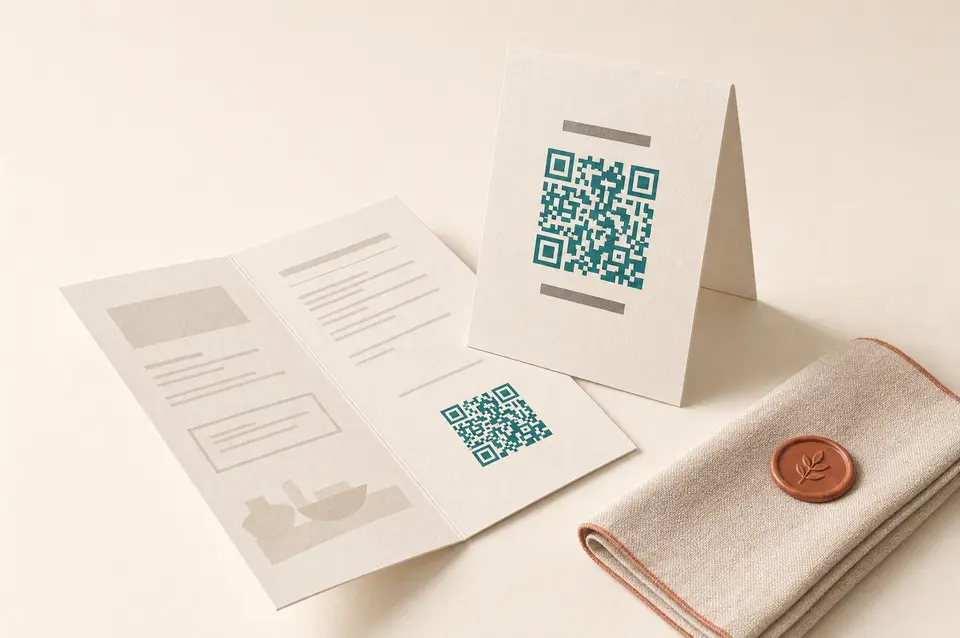
Print one tracked QR on the table tent, window, and counter. Update offerings and hours without reprinting.
What you can do on the page
- Profile type
Bella uses Business so Hours and Credentials appear. Service-only typing hides those panels.
- Header
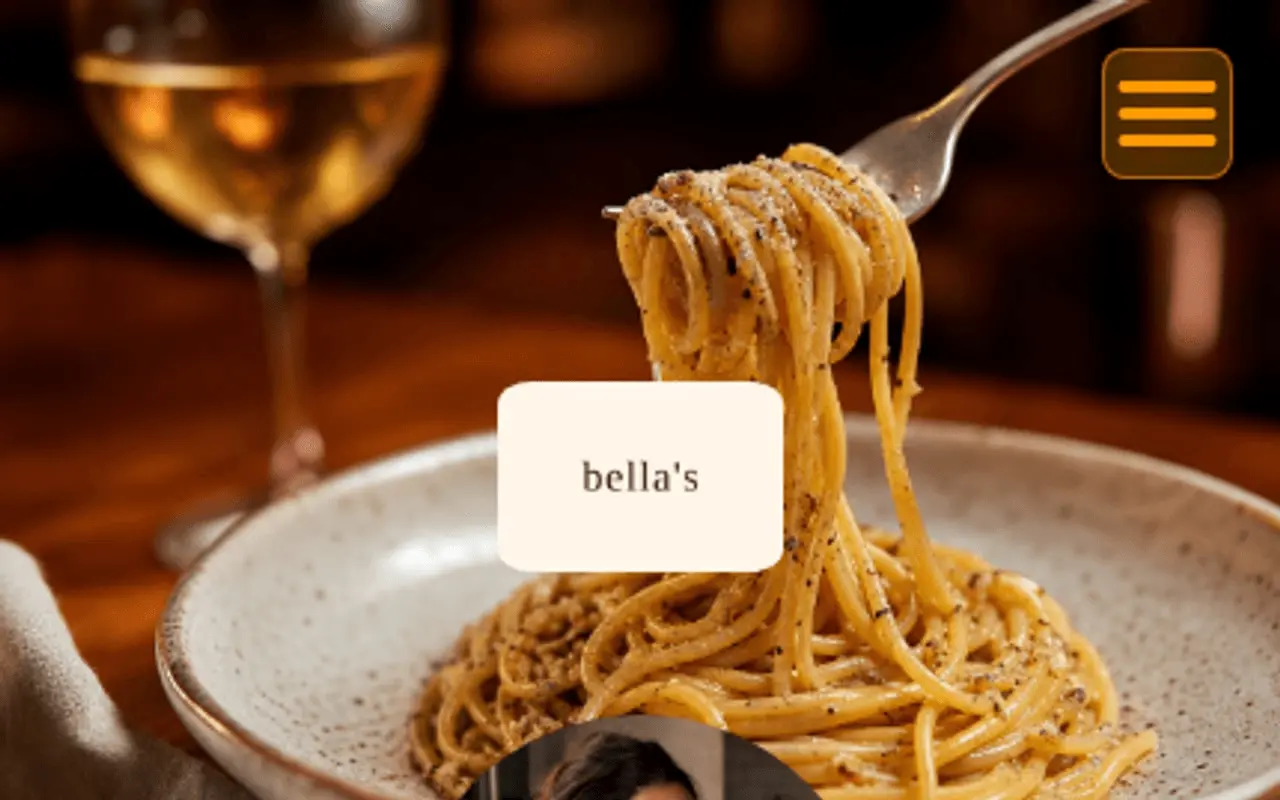
Storefront or plated cover photography sets the mood when someone scans from the table or window.
- Trust · At a glance
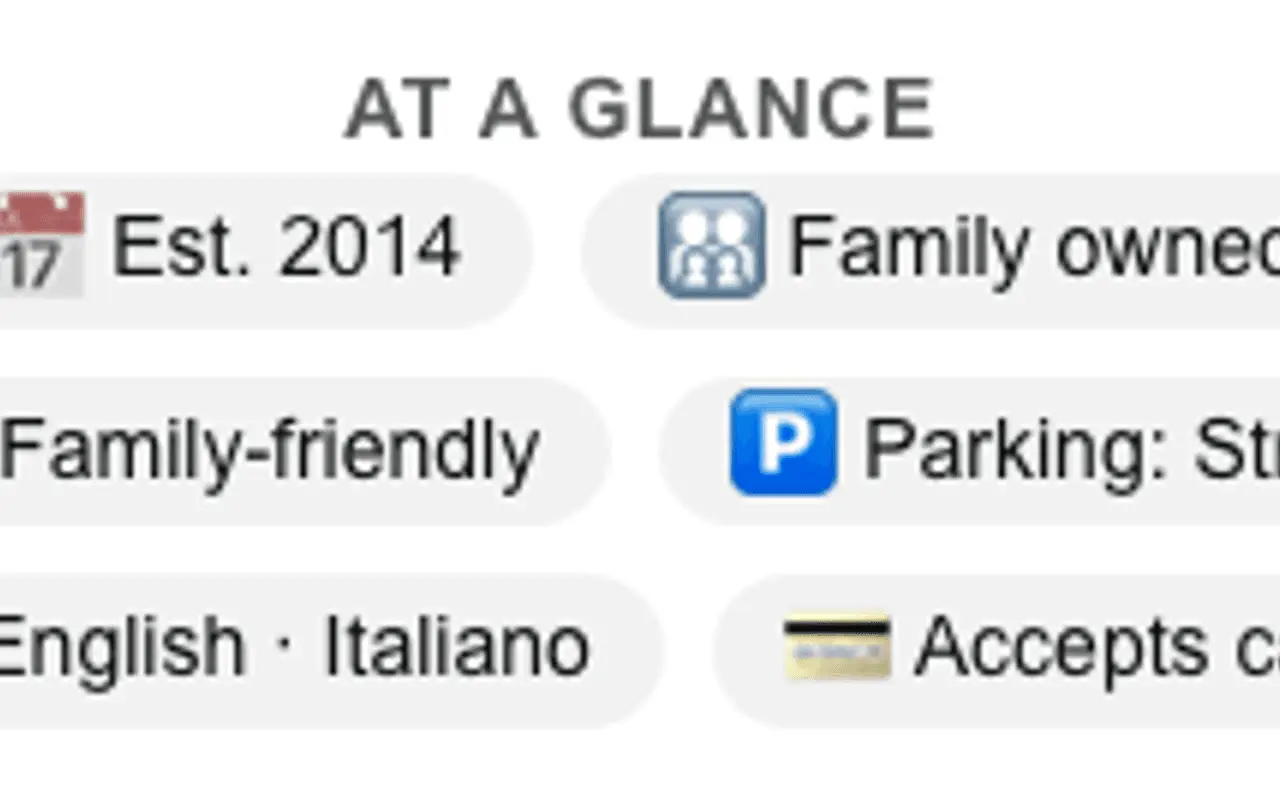
At a glance holds open-now context, parking, access, and custom rows. Author-stated.
- Primary Contact
Primary contact carries the restaurant name and address for LocalBusiness-style discoverability alongside maps embeds. Primary buttons surface call, maps, and reservation shortcuts before guests scroll the menu.
- About
About is the restaurant story and meta description.
- Capability chips
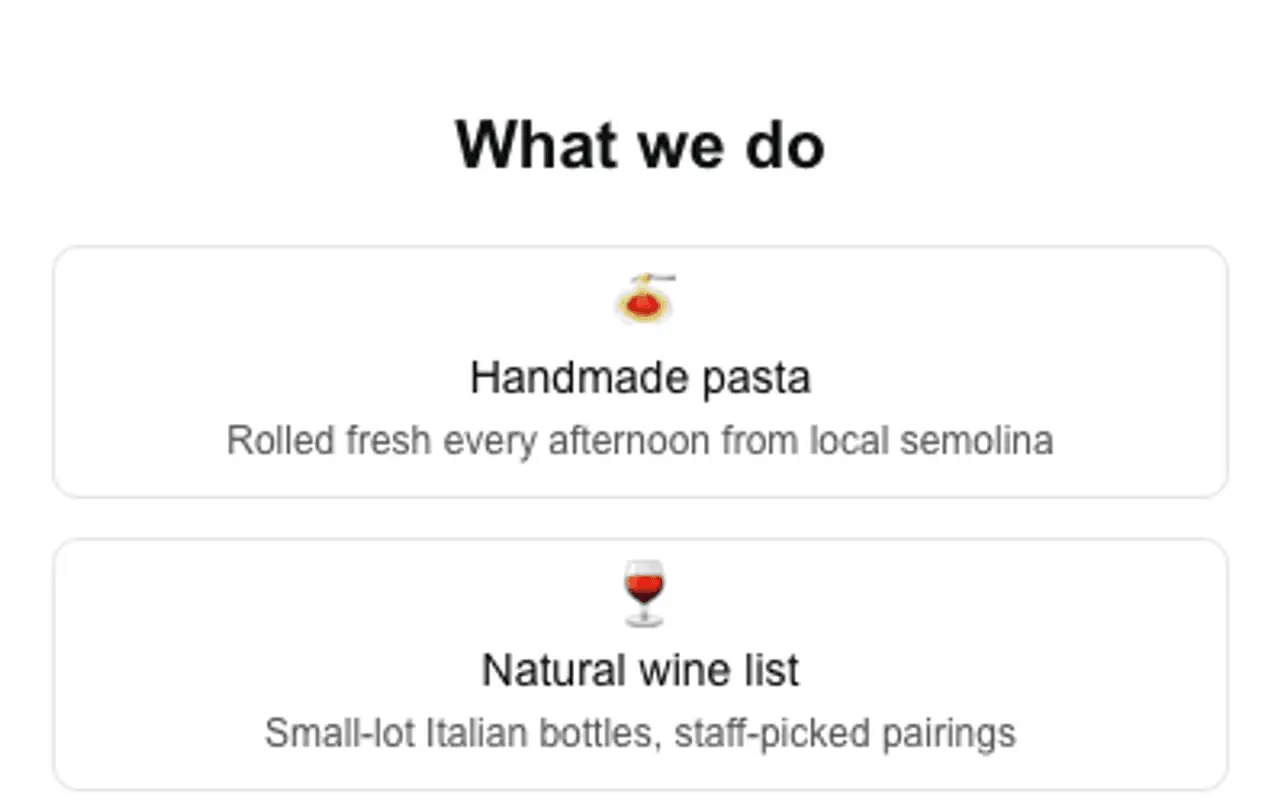
On Business the chip section is titled What we do.
- Credentials
Licenses, insurance, and certifications with issuer, jurisdiction, dates, and a verify link. On the Bella Business sample.
- Secondary Contact
Secondary contact adds more save-to-phone and link actions below the primary row.
- Theme
Themes, palettes, and fonts keep the menu page readable under restaurant lighting and on share previews.
- Engagement Actions
Engagement actions add delivery, OpenTable, and custom-named order buttons beyond the primary row.
- Featured
Featured is the dining-room story (on-page gallery rail, menu PDF, embeds). Priced dishes live on the Products list with an optional amount and one link. Private dining and catering live on the Services list the same way.
- Testimonials
Rename Testimonials to Reviews or Guest love; use person or organization sources, ratings, carousel, and photo quotes.
- Hours
Hours powers Open now, weekly schedules, holidays, custom section names, and optional booking action links.
- Section order & nav
Section order & nav can put Menu first, with sticky jump menus and custom labels that match your Featured titles.
- Website tracking
Analytics stay consent-aware when you add campaign snippets for seasonal menus or promotions.
- Card QR
One card QR: tracking code per print for table tents, windows, and takeaway bags, with print-ready appearance.
- Save
Save publishes menu and hours updates behind the same printed QR so you never reprint for a price change.
Call it Reviews, or write your own heading.
The testimonials section title is yours: choose Reviews, Praise, What people are saying, or type a custom heading. Mark each voice as a person, business, organization, or custom type with your own type label. Optional ratings, carousel, and media keep guest quotes feeling like the dining room, not a generic widget.
Table tent stays put. Menu, hours, and reservations live on the page.
Embed reservations, menus, and maps.
Guests scan the table tent and get booking, delivery, menus, and reviews, from the services you already use.
OpenTable
Reservation embeds so the table tent books the table.
Google Maps
Directions and hours next to Call / Order.
YouTube / Instagram
Kitchen stories and specials without a separate site.
Spotify
House playlist or night vibes on the page.
Typeform / Tally
Private dining and catering inquiry forms.
Menu PDFs
Seasonal menus that update without reprinting the tent.
Review embeds
Allow-listed review widgets under Guest love.
Eventbrite
Ticketed tastings and pop-ups on the same page.
Outcomes
- Menu blocks under titles you choose
- Live Open now from your hours schedule
- Delivery and reservation actions
- Jump nav labeled like your sections
- Reviews (or custom) guest praise
- One QR across tent, window, and bag
Header, At a glance, chips, Featured, and Testimonials: from a live profile.
These frames are captures of real ProfilePreview sections, not drawn mockups. Open the live example to scroll the full page.
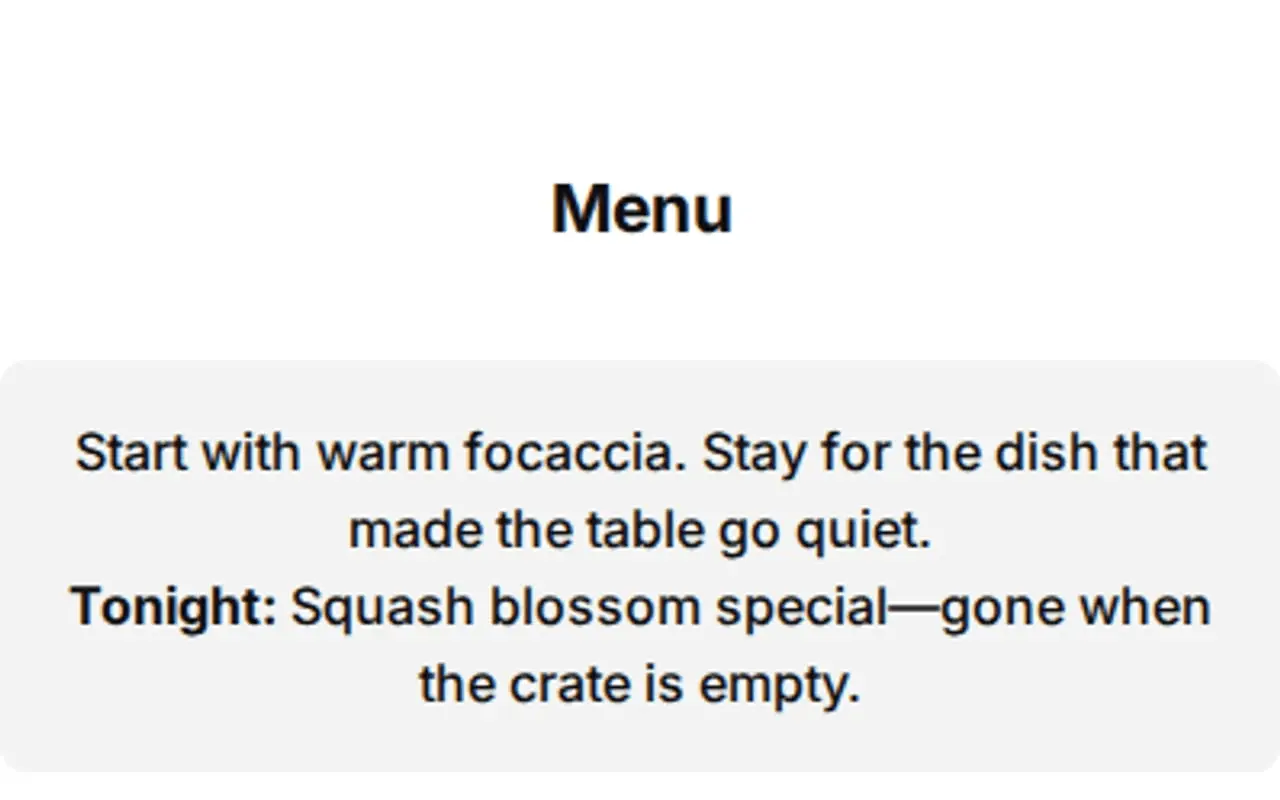
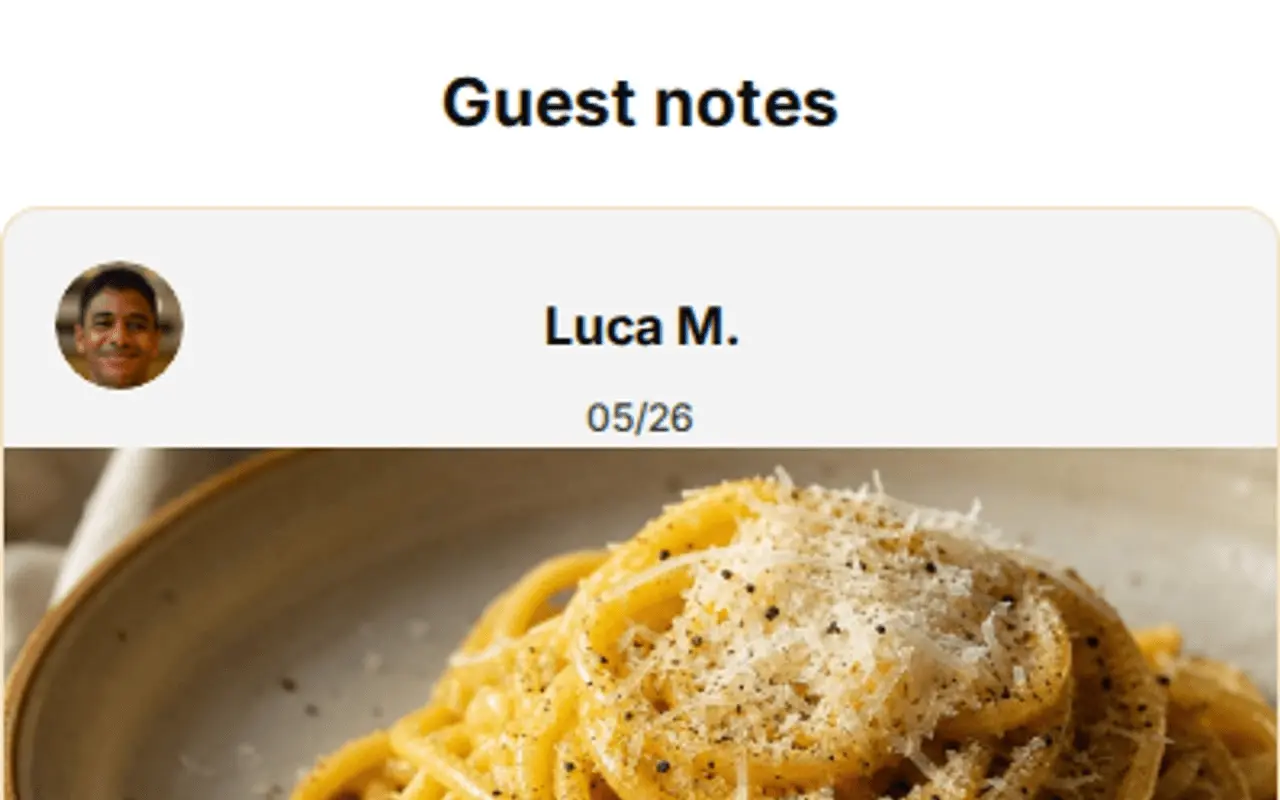
From table tent to repeat visit
- 01
Build the page, add your menu, weekly hours, maps, and reservation or delivery buttons.
- 02
Print the QR on the table tent, the window, and the takeaway bag.
- 03
Update anytime, change the menu or hours behind the same QR, and the live "Open now" pill updates itself.
Restaurant & café questions
Can I change the menu without reprinting the QR?
Yes. The QR stays the same while you edit the page behind it, update dishes, prices, or hours without reprinting anything.
Does the page show whether we are open?
Yes. Set weekly hours, holidays, and closures and visitors see a live "Open now" pill, with LocalBusiness SEO when you add an address.
Can guests reserve or order from the page?
Yes. Embed reservation and regional delivery buttons, from OpenTable to Talabat, right on the page.
Can I label the section Reviews instead of Testimonials?
Yes. Choose the Reviews preset or type a custom section title. You can also set each source as a person, business, organization, or custom type with your own type label.
Can I add delivery and reservation buttons?
Yes. Primary buttons and engagement actions support call, maps, OpenTable-style booking, delivery apps, and custom-named CTAs you label yourself.
Why not a free digital business card for the chef?
Free card apps are fine for swapping contacts. A restaurant needs a scannable profile with menu, Open now hours, and delivery actions, plus a table-tent placement QR that stays put when the page updates without reprinting.
Give every table a scannable page.
No credit card required. Subscribe when you publish. 30-day trial after go-live.